Introduction
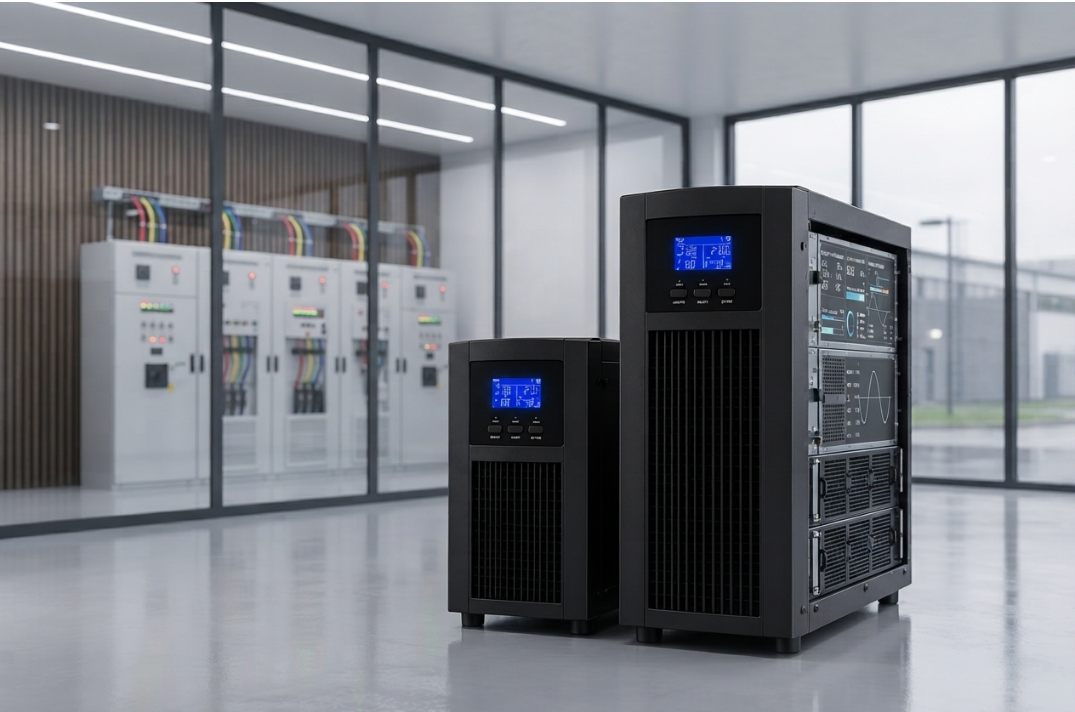
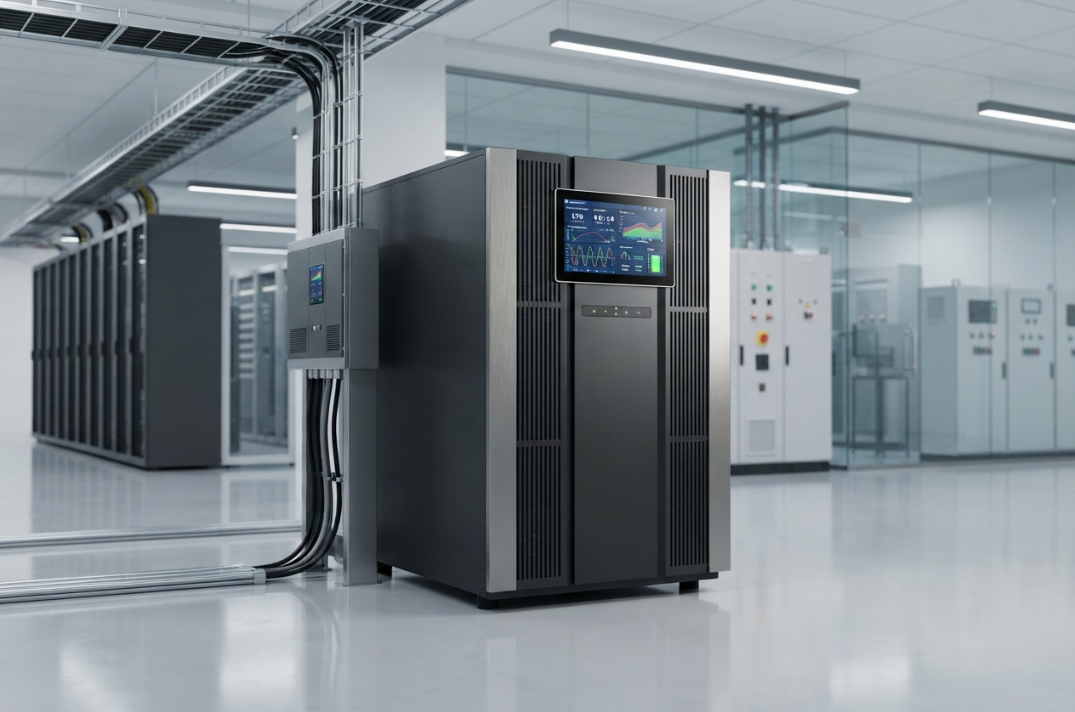
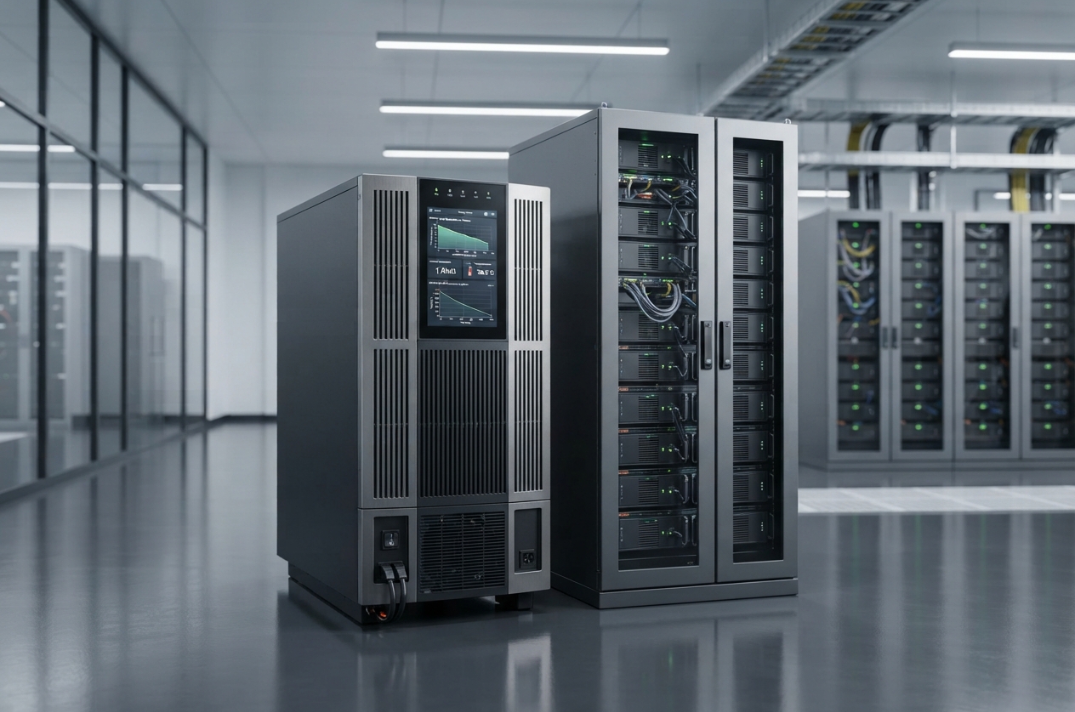
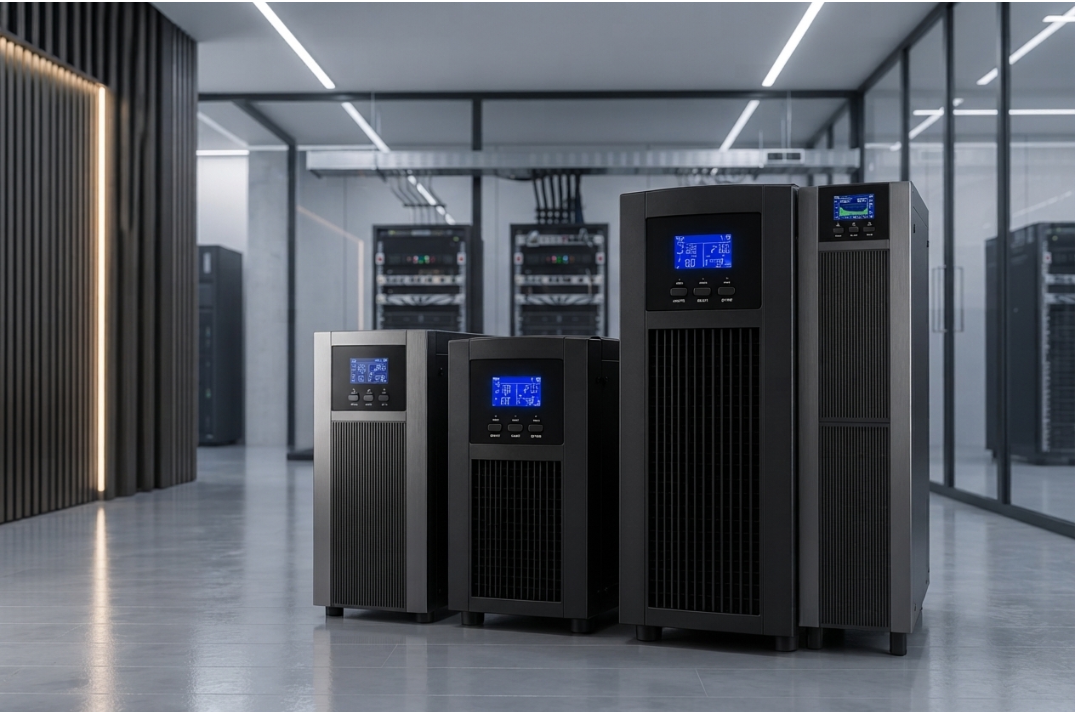
UPS and battery cabinet space optimisation is essential for businesses that need reliable power backup without wasting valuable floor space. Data centres, server rooms, industrial facilities, commercial buildings and IT infrastructure environments often accommodate UPS systems, battery cabinets, electrical distribution equipment and cooling systems within a limited area.
However, fitting more equipment into a smaller room should never compromise electrical safety, ventilation, battery performance or maintenance accessibility. An inefficient layout can obstruct airflow, complicate battery replacement, increase cable congestion and make routine servicing more difficult. In contrast, a well-planned installation can improve equipment accessibility, simplify maintenance and support future capacity expansion.
A three-phase online UPS installation, for example, may require space for the UPS cabinet, external battery cabinets, input and output distribution equipment, maintenance bypass arrangements and appropriate cable routes. The final footprint depends on the equipment design, battery technology, load requirements and manufacturer’s installation specifications.
This guide explains 7 practical ways to optimise space for UPS and battery cabinet installation while maintaining safety, operational reliability and long-term flexibility.
1. Plan the UPS and Battery Cabinet Layout Before Installation
The first step in effective UPS and battery cabinet space optimisation is to prepare a detailed layout before purchasing equipment or beginning installation work.
Simply measuring the room and checking whether the cabinets fit is insufficient. The layout must account for equipment dimensions, electrical connections, maintenance access, ventilation, delivery routes and future servicing requirements.
Assess the complete equipment footprint
Start by identifying every component that will occupy the installation area, including:
- UPS cabinets and power modules.
- External battery cabinets or battery racks.
- Input and output distribution boards.
- Maintenance bypass panels.
- Isolation devices and protective equipment.
- Monitoring equipment and communication panels.
- Cooling and ventilation equipment.
- Cable trays, conduits and associated infrastructure.
Record the dimensions, weight, connection points and access requirements for each component. Use the manufacturer’s installation drawings rather than relying only on catalogue dimensions.
Create a practical floor plan
A scaled floor plan can help identify unused corners, obstructed access routes and potential conflicts between equipment doors, cable entries and ventilation openings.
For example, placing the UPS cabinet near the relevant distribution equipment may reduce cable routing complexity. However, the final position must also preserve the required service clearances and permit safe isolation and maintenance.
Where a business is planning a new critical power installation, reviewing three-phase online UPS solutions can help establish the equipment configuration that needs to be accommodated.
Practical tip: Finalise the layout only after reviewing the manufacturer’s minimum clearances, electrical design requirements, battery installation instructions and applicable local regulations.
2. Select the Right UPS Capacity and Cabinet Configuration
Choosing the correct equipment configuration can prevent unnecessary space consumption. An oversized system may occupy more floor area than necessary, while an undersized system can force another upgrade sooner than expected.
Therefore, UPS and battery cabinet space optimisation should begin with accurate load calculations rather than physical dimensions alone.
Calculate the actual power requirement
Assess the critical load in kilowatts (kW) and kilovolt-amperes (kVA). Consider the equipment’s power factor, peak demand, load characteristics, expected expansion and required redundancy.
The relationship between real and apparent power is:
kW = kVA × Power Factor
For example, if the critical load is 60 kW and the relevant power factor is 0.9, the corresponding apparent power is approximately 66.7 kVA. The final UPS selection must also account for rated output limits, operating conditions, growth and redundancy requirements.
Do not select a smaller UPS merely to reduce the cabinet footprint. Capacity, electrical compatibility and resilience take priority over saving a limited amount of floor space.
Compare suitable equipment arrangements
Depending on the application, a business may consider:
- A compact standalone UPS with a compatible external battery cabinet.
- A modular UPS designed for capacity expansion.
- A UPS with an integrated battery arrangement, where suitable.
- Separate UPS and battery enclosures for installations with specific access or environmental requirements.
Each option has different footprint, cooling, maintenance and expansion implications.
Review online UPS systems to assess equipment options for the intended power protection application.
For critical IT facilities, the physical arrangement should also be coordinated with data centre solutions so that power protection equipment fits the broader infrastructure plan.
Important: A compact design is beneficial only when the selected UPS and battery configuration meets the required electrical ratings, runtime, serviceability and safety requirements.
3. Maintain Proper Ventilation and Cooling Clearances
Ventilation is one of the most important considerations when optimising space for UPS and battery cabinets. Reducing the physical footprint must not obstruct cooling airflow or create localised heat accumulation.
UPS systems generate heat during operation. Batteries also have defined operating temperature limits, and excessive heat can accelerate battery degradation or reduce expected service life.
Preserve the manufacturer’s airflow requirements
Before positioning cabinets, identify the location of air intake and exhaust openings. Some systems draw cooling air through the front and discharge it through the rear or top, while others use different arrangements.
The installation layout should preserve the specified airflow path and required clearances.
Avoid:
- Placing cabinets directly against walls where rear access or ventilation is required.
- Blocking air intake or exhaust grilles with stored materials.
- Installing unrelated equipment in designated cooling zones.
- Positioning battery cabinets near uncontrolled heat sources.
- Allowing cable trays or conduits to obstruct ventilation openings.
Coordinate room cooling with equipment placement
The cooling system must be suitable for the combined heat load of the UPS, batteries and other equipment in the room.
The actual cooling requirement depends on UPS efficiency, operating load, battery configuration, room conditions and the manufacturer’s recommendations. It should be calculated as part of the facility design.
Battery chemistry also affects environmental and ventilation requirements. For example, certain battery technologies may require specific ventilation and gas-management provisions under relevant operating or fault conditions.
For additional information about the surrounding infrastructure, consult Bansal Hitech’s power solutions when planning the wider installation.
Practical tip: Do not reduce a manufacturer’s required clearance to accommodate additional equipment. If the available room cannot meet the installation requirements, revise the layout or consider an alternative approved configuration.
4. Organise Cable Routing to Reduce Congestion
Poor cable management can make a compact UPS room difficult to maintain. Power cables, battery cables, communication wiring and monitoring connections may compete for limited space if their routes are not planned in advance.
A structured cable-routing design improves accessibility, simplifies fault diagnosis and reduces the likelihood of cables obstructing cabinet doors or airflow.
Separate and plan cable routes
Where required by the electrical design and applicable standards, arrange power cables, battery connections and low-voltage communication wiring along suitable, clearly identified routes.
Consider the following measures:
- Use appropriately sized cable trays, conduits and supports.
- Keep cable routes clear of cabinet doors and service panels.
- Allow for cable bend radius and termination space.
- Label cables and both ends of important connections.
- Provide suitable access for inspection and replacement.
- Maintain required separation between power and communication wiring.
- Avoid unnecessary cable crossings and excessively long routes.
The route must accommodate cable current-carrying capacity, thermal derating, voltage drop, fault-current requirements and the manufacturer’s installation instructions.
Keep battery connections accessible
Battery cables can be substantial, depending on the system voltage and current. Routing them through cramped spaces can complicate installation and maintenance.
The cable layout should also account for battery isolation, protective devices and the possibility of future battery replacement.
Where an installation includes extensive IT equipment, coordinate cable routing with networking and IT infrastructure requirements to avoid conflicts between power and data cabling.
Practical tip: Reserve cable-tray capacity for foreseeable additions, but do not overfill trays or exceed their loading limits simply to avoid installing additional routes.
5. Choose the Battery Cabinet Arrangement Carefully
Battery cabinets can account for a significant portion of the total UPS installation footprint. Consequently, battery placement deserves separate attention during the planning stage.
The appropriate arrangement depends on the required backup time, battery technology, available floor area, electrical configuration and maintenance requirements.
Assess the battery runtime requirement
Determine how long the critical load must remain supported during a power interruption. Battery sizing should be based on the actual load profile and the manufacturer’s runtime data for the proposed configuration.
Longer backup requirements may require additional battery capacity, which can increase the number of cabinets or the size of the battery installation.
Do not reduce the required runtime simply to fit the battery bank into a smaller area without an approved change to the operational requirement.
Compare battery installation options
Depending on the UPS design and battery technology, suitable arrangements may include:
- A compatible battery cabinet installed beside the UPS.
- Multiple battery cabinets positioned in a designated battery area.
- An approved rack-based battery arrangement.
- A modular battery configuration where supported by the manufacturer.
Each arrangement must preserve safe access, suitable ventilation, electrical protection and the manufacturer’s installation requirements.
Battery cabinets should be positioned to allow inspection, replacement and isolation without moving unrelated equipment unnecessarily.
For smaller, separately protected loads, single-phase UPS systems may also be relevant when designing a broader power protection arrangement. However, separate systems should be used only where they meet the load and resilience requirements of the application.
Important: Battery cabinets must not be selected on dimensions alone. Verify battery voltage, string configuration, discharge capability, enclosure compatibility, protection arrangements and environmental requirements before finalising the layout.
6. Preserve Service Access and Electrical Safety
One of the most common mistakes in compact UPS installations is prioritising floor-space savings over safe access.
UPS cabinets and battery enclosures require appropriate access for inspections, electrical testing, cleaning, component replacement and emergency isolation. If technicians cannot reach the necessary components safely, routine maintenance can become slower and more hazardous.
Identify access zones
Before finalising the room layout, establish the required clearances for:
- Cabinet doors and removable panels.
- Front and rear service access, where specified.
- Battery replacement and equipment handling.
- Electrical isolation and protective devices.
- Maintenance bypass panels.
- Emergency exits and designated access routes.
The required dimensions vary by manufacturer, equipment design and local regulations. Do not assume that one standard clearance applies to every UPS or battery cabinet.
Consider floor loading and equipment movement
Battery cabinets can be heavy, particularly when fully populated. Check the floor’s structural capacity and any applicable concentrated-load limitations before installation.
The layout must also permit the equipment to be delivered, positioned and replaced. This may require checking door widths, corridors, lifts, turning space and lifting equipment access.
In facilities where UPS systems support critical operations, plan maintenance activities so that service access does not unnecessarily disrupt adjacent equipment.
For temporary power requirements or projects with changing site conditions, online UPS rental services may be considered, provided the selected equipment, installation conditions and service arrangements satisfy the project’s requirements.
Practical tip: Mark cabinet footprints, door-swing areas and maintenance zones on the floor before moving equipment into the room. This simple step can expose access conflicts before they become expensive installation problems.
7. Design for Future Expansion and Easier Maintenance
Space optimisation should support the full service life of the power protection system, not just the initial installation.
A layout that fits today’s equipment perfectly may become inefficient when a business adds servers, expands production, replaces batteries or increases its required backup capacity.
Reserve space for planned changes
Forecast future requirements before fixing the cabinet positions. Consider expected load growth, battery replacement, additional distribution equipment and changes to the cooling system.
Where appropriate, reserve space for:
- Additional approved UPS modules or cabinets.
- Future battery capacity.
- Expanded distribution equipment.
- Cable-tray extensions.
- Monitoring and communication equipment.
- Maintenance and equipment replacement activities.
The amount of reserved space should be based on an actual expansion plan rather than an arbitrary percentage.
Consider lifecycle maintenance
A space-efficient layout should also simplify routine inspection and replacement work. Accessible cabinets, organised cables and clearly labelled electrical connections reduce unnecessary handling during maintenance.
Document the final arrangement, including equipment dimensions, circuit information, battery configuration, isolation points and service clearances.
If the wider installation includes software or management systems, check associated software licensing requirements where applicable to maintain compatibility with monitoring and operational platforms.
For additional technical articles and planning information, visit the Bansal Hitech blog.
Practical tip: Review the layout whenever the critical load, battery configuration, UPS topology or room infrastructure changes. Any modification should be assessed against the original electrical and safety design.
Additional Considerations for UPS and Battery Cabinet Space Optimisation
The seven methods above address the main physical planning challenges. Before approving the installation, review these additional design considerations.
Battery chemistry and installation requirements
Lead-acid and lithium-ion battery systems have different installation, monitoring, protection and environmental requirements. Some configurations may require specific ventilation or fire-protection measures.
The applicable requirements depend on the battery technology, installation design, manufacturer instructions and local regulations. Do not assume that a battery cabinet suitable for one chemistry is automatically suitable for another.
Equipment efficiency and heat output
UPS efficiency affects the amount of heat released into the room. A more efficient system may reduce cooling demand, but actual performance depends on the model, load and operating mode.
Compare efficiency data at realistic operating loads rather than relying only on the maximum advertised figure.
Monitoring and alarm visibility
UPS monitoring systems should remain accessible to operators and maintenance personnel. Position displays, communication interfaces and external monitoring equipment so that alarms can be identified and addressed without obstructing access to electrical components.
Documentation and compliance
Maintain the approved layout drawings, electrical schematics, equipment manuals, battery specifications and commissioning records. Confirm that the installation complies with applicable Indian electrical requirements, fire-safety provisions and relevant standards.
Frequently Asked Questions (FAQs)
1. How much space is required for a UPS and battery cabinet installation?
There is no single footprint suitable for every installation. Space requirements depend on UPS capacity, cabinet dimensions, battery runtime, battery technology, cooling arrangements and maintenance clearances. Use the selected manufacturer’s installation drawings and the approved electrical layout to calculate the required area.
2. Can a UPS and its battery cabinet be installed next to each other?
They can be installed adjacent to each other when the manufacturer permits the arrangement and the design maintains the required clearances, airflow, cable routing and service access. The battery cabinet must also meet the environmental and electrical requirements of the specific battery system.
3. How can I reduce the footprint of a UPS installation?
Begin by accurately calculating the required UPS capacity and battery runtime. Then compare compatible cabinet configurations, organise cable routes, coordinate cooling equipment and eliminate unused layout space. Never reduce required ventilation or service clearances to achieve a smaller footprint.
4. Why is ventilation important for UPS and battery cabinets?
UPS equipment generates heat, while battery performance and service life can be affected by operating temperature. Appropriate ventilation and cooling help keep equipment within specified environmental limits. Requirements vary by UPS design and battery chemistry, so manufacturer instructions must be followed.
5. Should I leave space for future battery replacement?
Yes. Battery replacement should be considered during the initial layout design. Technicians need safe access to battery cabinets and sufficient space to remove and install battery units without obstructing unrelated equipment or emergency access routes.
6. Can battery cabinets be placed in a separate room?
A separate battery room may be suitable where the battery technology, UPS configuration, electrical design and facility requirements support it. The arrangement must account for cable routing, environmental conditions, access, protection and applicable safety regulations.
7. What should be checked before finalising a UPS room layout?
Verify the equipment footprint, required capacity, battery runtime, airflow, cable routes, floor loading, service clearances, electrical protection, emergency access and future expansion requirements. Have the proposed layout reviewed by qualified electrical professionals before installation.
Conclusion
Effective UPS and battery cabinet space optimisation requires coordinated planning of electrical capacity, equipment layout, battery configuration, cooling, cable management and maintenance access.
The objective is not simply to fit more equipment into a smaller room. It is to create a compact installation that remains safe, accessible, serviceable and capable of supporting future operational requirements.
By applying these seven methods, businesses can reduce wasted space, improve installation organisation and avoid costly layout changes during commissioning or later maintenance.
Before installation begins, confirm the final cabinet positions, electrical design, battery requirements and environmental conditions against the manufacturer’s documentation and applicable local regulations. A properly planned layout can help protect critical equipment while making more effective use of the available facility space.