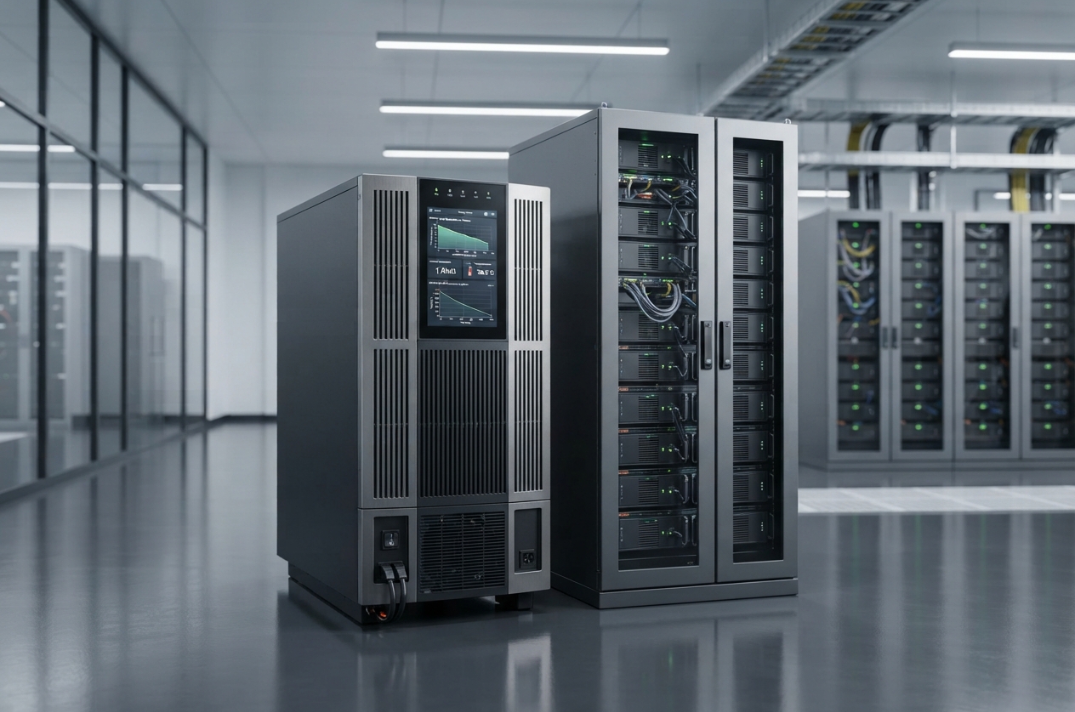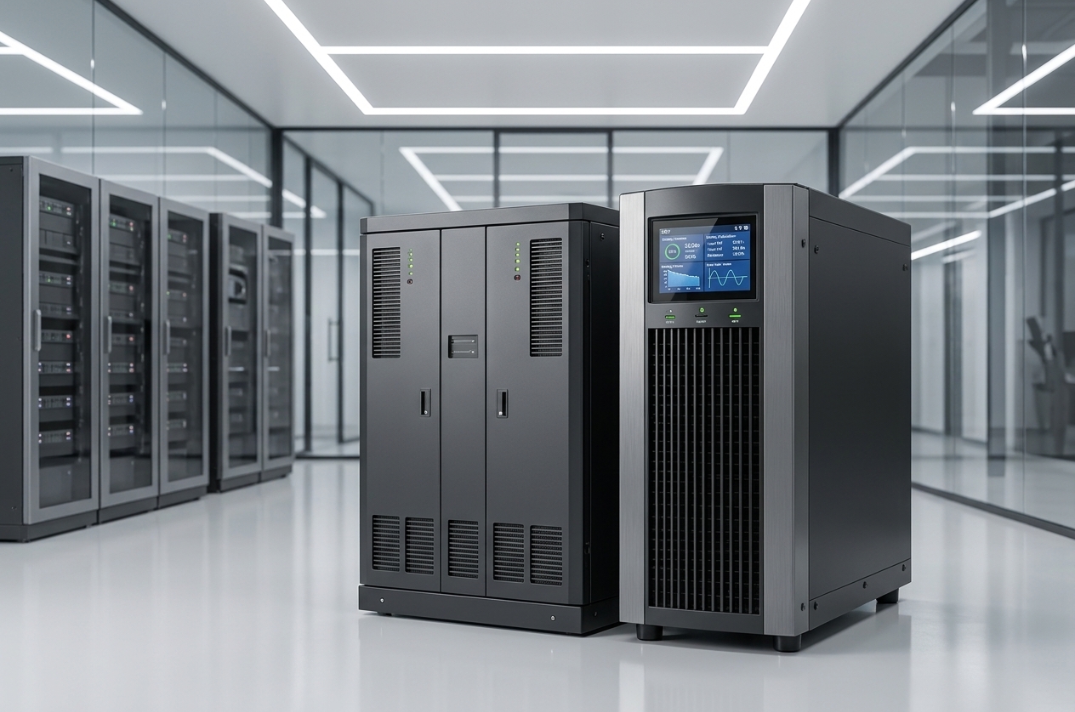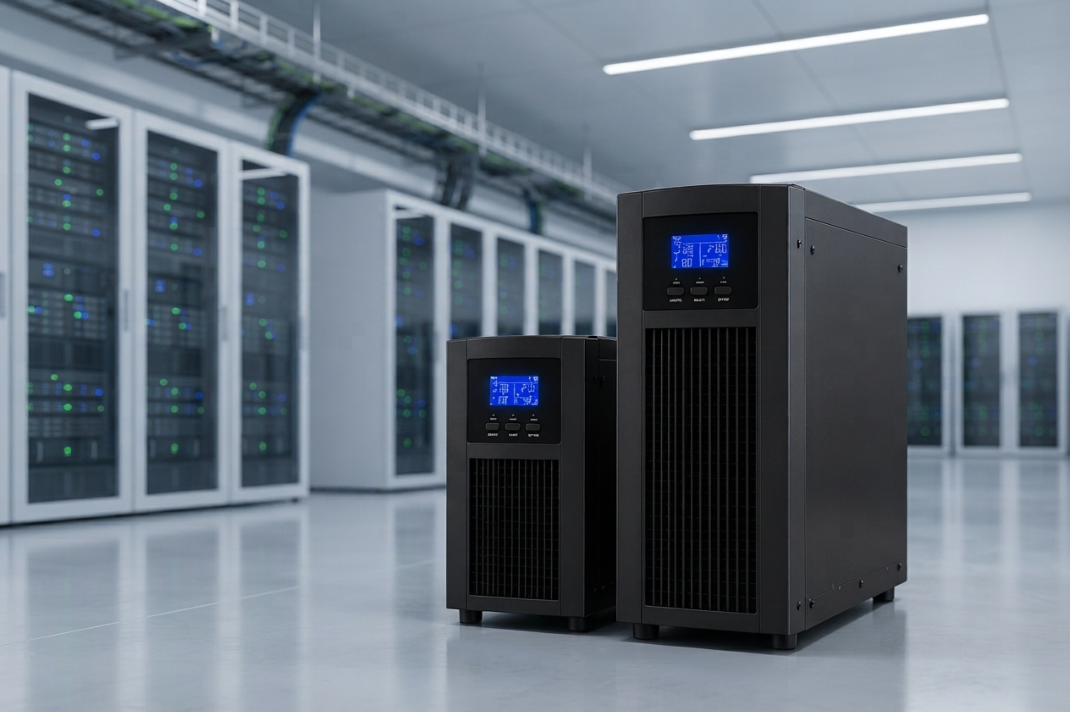
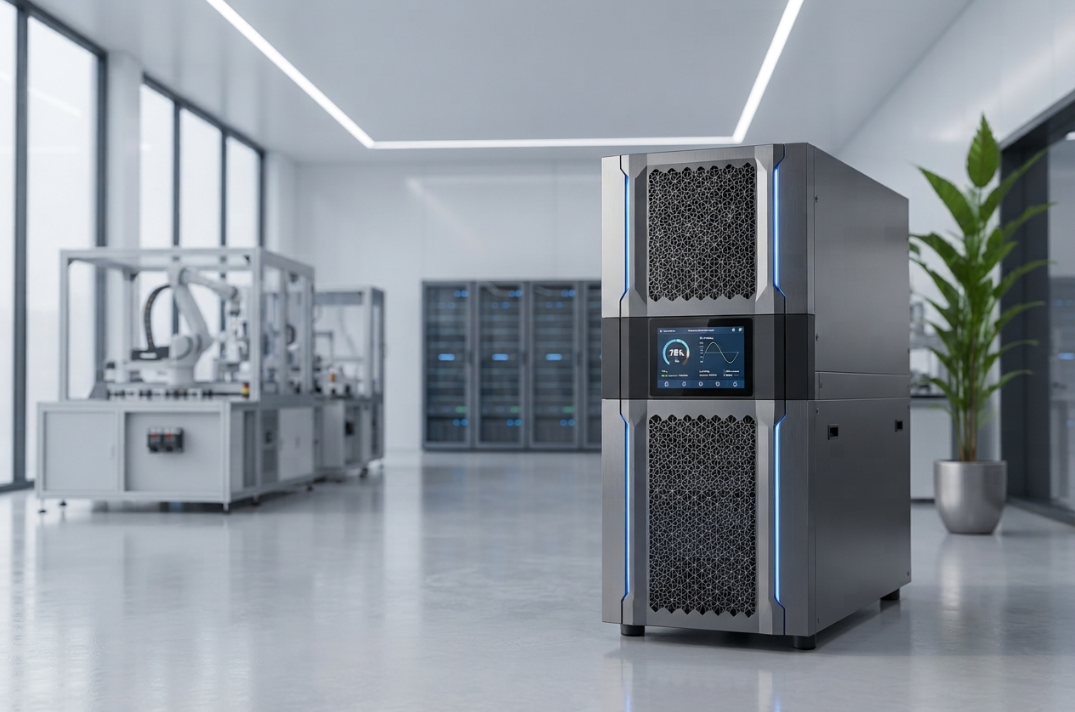
Modern businesses depend on a stable electricity supply to keep production lines, computer systems, control equipment and critical machinery running. However, power cuts, voltage fluctuations, electrical noise and sudden supply interruptions can disrupt operations, damage sensitive equipment and increase operating costs. Therefore, understanding the right power protection strategy is essential for businesses that rely on uninterrupted electrical performance.
A three phase online UPS complete guide helps businesses understand how to select, size, install and maintain an uninterruptible power supply for demanding applications. In particular, it explains how UPS capacity, battery backup, load characteristics and installation conditions affect system performance.
A three-phase online UPS supplies conditioned electrical power to compatible critical equipment. Furthermore, its battery system provides temporary power when the mains supply fails, allowing supported equipment to continue operating or shut down in a controlled manner. As a result, businesses can reduce the risk of data loss, unexpected equipment stoppages and avoidable production interruptions.
However, selecting a UPS involves more than choosing a capacity in kVA. Businesses must evaluate their actual electrical load, required backup duration, battery configuration, installation space, environmental conditions, maintenance requirements and future expansion plans. Consequently, a reliable UPS selection process should begin with the application and its electrical requirements rather than the equipment price alone.
This guide explains these factors step by step, from basic operating principles to battery calculations, industrial machine compatibility, installation planning and long-term ownership costs.
What Is a Three-Phase Online UPS?
A three-phase online UPS is an electrical power protection system designed to supply critical loads that use three-phase power. Unlike a basic standby backup arrangement, an online double-conversion UPS continuously processes incoming electrical power before supplying it to connected equipment.
In a typical double-conversion design, the rectifier converts incoming alternating current (AC) into direct current (DC). Next, the inverter converts that DC power back into regulated AC output for the connected load. Because this conversion process operates continuously during normal online operation, it helps isolate supported equipment from many disturbances in the incoming supply.
When the mains supply fails, the battery system supplies DC power to the inverter. Consequently, the UPS can continue supplying the connected load without waiting for a conventional standby generator to start. The available backup duration, however, depends on battery capacity, load demand, system efficiency and battery condition.
Three-phase online UPS systems commonly serve manufacturing facilities, data centres, industrial automation systems, laboratories, healthcare facilities and other environments where power continuity is important. In these applications, even a short interruption can affect production, equipment operation or critical information.
Businesses evaluating available capacities and configurations can explore Bansal Hitech’s online UPS solutions to understand the product category relevant to their power protection requirements.
How Does a Three-Phase Online UPS Work?
A typical three-phase online UPS contains several coordinated components. Each component performs a specific function; together, they help maintain output power and support the connected equipment during changes in the incoming supply.
1. Input and Rectification Stage
First, the input stage receives electrical power from the mains supply. The rectifier then converts incoming AC power into DC power for the internal DC bus and battery charging system.
Depending on the model, input filtering, protection and power-factor correction features may also improve electrical performance. However, the actual benefits vary according to the UPS design and the characteristics of the incoming supply.
2. DC Bus and Battery System
The DC bus provides the internal DC supply used by the output conversion stage. Meanwhile, the battery system connects to the DC side through the arrangement specified by the manufacturer.
During normal operation, the charging system maintains the batteries within the recommended charging limits. When a power failure occurs, the batteries supply energy to sustain the DC bus. As a result, the inverter can continue delivering power to the connected load.
3. Output Conversion Stage
The output stage converts DC power into AC power at the required voltage and frequency. It then supplies the connected equipment with regulated electrical power.
In a double-conversion UPS, the inverter operates continuously during normal online operation. Therefore, when the mains supply fails, the system can continue supplying power from the battery-backed DC system without waiting for a standby transfer process.
4. Static Bypass
A static bypass provides an alternative supply path under supported operating conditions. For example, the UPS may transfer the load to bypass during certain faults, overloads or internal operating conditions.
However, bypass operation may expose the load to disturbances in the bypass source. For this reason, engineers should review the bypass arrangement, transfer conditions and source compatibility during system selection.
5. Monitoring and Protection
Modern UPS systems may include overload protection, battery monitoring, temperature monitoring, alarms, communication interfaces and event logs.
Furthermore, monitoring information can support preventive maintenance. Consequently, facility teams may identify developing issues earlier and arrange corrective action before a minor fault affects critical operations.
What Are the Main Benefits of a Three-Phase Online UPS?
A three-phase online UPS can support facilities that require dependable power for equipment with significant electrical demand. Nevertheless, the benefits achieved depend on selecting a system that matches the load and the application’s operating requirements.
Continuous Power During Mains Interruptions
Battery operation allows a properly sized UPS to support connected loads during a power failure. Therefore, critical control systems and other supported equipment can continue operating for the available runtime.
However, the UPS does not provide unlimited backup power. The duration depends on battery capacity, load demand, battery condition and system efficiency.
Improved Power Quality
Online double-conversion systems regulate their output and can reduce the effects of many incoming voltage and frequency disturbances. As a result, compatible equipment receives a more controlled electrical supply.
Even so, businesses should check the specific model’s output regulation, harmonic performance and operating limits before making a selection.
Protection for Sensitive Equipment
Control systems, servers, communication equipment and precision electronics can be sensitive to interruptions and electrical disturbances. A suitable UPS helps maintain a stable supply to these loads.
In addition, the right configuration can help equipment save data, maintain essential control functions or complete a controlled shutdown when an outage continues beyond the available backup period.
Reduced Risk of Production Disruption
Industrial processes may lose material, require machine resets or need lengthy recovery procedures after a power interruption. Consequently, protecting critical controls and selected machinery can reduce disruption and improve operational continuity.
However, a UPS does not eliminate every cause of downtime. Equipment compatibility, correct installation, maintenance and suitable operating procedures remain essential.
Support for Planned Shutdowns
A UPS does not necessarily need to operate equipment for hours. In many applications, a short period of battery backup provides enough time to save data, complete a safe shutdown or transfer operations to an alternative supply.
Therefore, businesses should define the required backup objective before selecting the battery bank. This approach avoids paying for unnecessary runtime while ensuring that the system meets its intended purpose.
Capacity for Larger Electrical Loads
Three-phase systems suit many medium- and high-capacity applications. They can support appropriately designed electrical distribution arrangements across industrial facilities and critical infrastructure.
Nevertheless, the correct choice depends on the load profile, supply configuration, capacity requirements and available site infrastructure.
Three-Phase UPS vs Single-Phase UPS
The correct configuration depends on the electrical supply and the requirements of the connected equipment. Although both system types provide power protection, they generally serve different capacity ranges and installation needs.
| Comparison | Three-phase online UPS | Single-phase online UPS |
|---|---|---|
| Typical application | Industrial equipment and larger critical loads | Smaller equipment and selected IT applications |
| Electrical supply | Three-phase input and/or output, depending on design | Single-phase input and output in typical configurations |
| Capacity planning | Often used for higher-demand installations | Often used for lower-demand installations |
| Load distribution | Requires appropriate phase and load planning | Requires suitable single-phase circuit planning |
| Installation | May require more electrical infrastructure and space | Often has simpler infrastructure requirements |
| Expansion | Depends on model, architecture and configuration | Depends on model, architecture and configuration |
A three-phase system is not automatically the best choice for every business. Instead, engineers must confirm the equipment’s actual supply requirements, the site’s available electrical infrastructure and the required backup arrangement.
For example, a facility with several high-demand industrial loads may benefit from a three-phase configuration, whereas a smaller office application may require only single-phase protection. Therefore, businesses should evaluate their actual operating requirements before choosing a system. They can also review Bansal Hitech’s power solutions when comparing power protection categories.
How to Calculate the Required kVA Rating for a Three-Phase Online UPS
UPS sizing starts with the electrical demand of the equipment that requires protection. However, choosing a capacity based only on the number of machines or their total motor rating can produce an unsuitable result.
A systematic assessment provides a more reliable basis for selection. Follow these steps before finalising the required UPS capacity.
Step 1: List Every Critical Load
First, prepare a list of all equipment that must receive UPS power. This may include servers, control panels, programmable logic controllers (PLCs), automation systems, testing equipment and other essential loads.
Next, separate critical loads from equipment that can remain disconnected during a power failure. As a result, the proposed system can focus on essential operations instead of carrying unnecessary loads.
Step 2: Find the Real Power Demand
Where possible, obtain the actual operating power in kilowatts (kW) from equipment specifications or electrical measurements. In addition, identify variations in demand during startup, normal operation and peak production.
Do not assume that a machine always draws its full nameplate rating. Equally, do not rely solely on average consumption if the equipment experiences substantial peaks during operation.
Step 3: Determine the Power Factor
The relationship between real power and apparent power is:
Apparent power (kVA) = Real power (kW) ÷ Power factor
For example, a load drawing 24 kW at a power factor of 0.90 requires:
24 ÷ 0.90 = 26.67 kVA
This value represents the estimated apparent power of the load. However, the selected UPS must also meet its own kW output rating, current limits and transient requirements.
Step 4: Evaluate Starting and Peak Loads
Some machines draw high current when starting or changing operating modes. Consequently, these conditions can create short-duration peaks that exceed steady-state demand.
Therefore, assess starting current, drive characteristics, load steps and overload duration. Then confirm that the proposed UPS can support these conditions without an unwanted transfer or shutdown.
Step 5: Include a Practical Capacity Margin
A suitable margin allows for measured uncertainty, changing load demand and planned growth. Nevertheless, avoid adding an arbitrary large margin without technical justification.
Instead, use the manufacturer’s recommended loading range and efficiency curve to inform the selection. This approach supports future flexibility without unnecessarily increasing the system’s initial cost.
Step 6: Check the UPS kW and kVA Ratings
A UPS may have separate kVA and kW limits. Both limits matter because the connected load can exceed either one.
For example, a 40 kVA UPS rated for 36 kW cannot support a continuous 38 kW load simply because the load remains below 40 kVA. In this case, the real-power demand exceeds the UPS’s 36 kW rating.
Therefore, compare both ratings with the expected load before approving the system.
Step 7: Confirm the Final Configuration
Before purchasing, verify the input and output voltage, frequency, phase arrangement, bypass supply, battery runtime, overload capability, short-circuit coordination and installation conditions.
Finally, ask a qualified electrical engineer or UPS supplier to confirm the design. This review helps identify compatibility issues before installation and commissioning.
How to Calculate Three-Phase Electrical Load
For a balanced three-phase circuit, the approximate real power is:
P (kW) = √3 × V × I × PF ÷ 1,000
Where:
- P represents real power in kilowatts.
- V represents line-to-line voltage in volts.
- I represents line current in amperes.
- PF represents the power factor.
For example, consider a balanced load operating at 415 V, drawing 40 A, with a power factor of 0.90.
P = 1.732 × 415 × 40 × 0.90 ÷ 1,000
P ≈ 25.9 kW
This calculation provides an estimate of the real power drawn by the balanced load. However, it does not replace measurements or a detailed assessment of unbalanced loads, harmonics, starting currents or nonlinear equipment.
For this reason, engineers should use verified electrical data wherever possible. In addition, they should check whether the UPS must support the full load or only selected critical components.
How to Calculate Battery Backup Time
Battery backup time depends on the energy stored in the battery bank and the power demanded by the connected load. Consequently, two UPS systems with similar kVA ratings can deliver different runtimes if their battery configurations or loads differ.
A preliminary energy estimate can help during planning.
Estimated battery energy (Wh) = Battery voltage (V) × Battery capacity (Ah)
For a simplified runtime estimate:
Estimated runtime (hours) = Usable battery energy (Wh) ÷ Load power (W)
However, this simple formula does not account for every real-world limitation. Battery discharge behaviour, conversion losses, temperature, ageing, discharge rate and the UPS’s minimum DC voltage can all affect actual runtime.
Example of a Preliminary Runtime Estimate
Suppose a battery bank has a nominal energy capacity of 20,000 Wh. For illustration, assume that 80% of this energy is usable and that the UPS supplies a 5,000 W load at 90% conversion efficiency.
Usable nominal energy:
20,000 × 0.80 = 16,000 Wh
Estimated battery power required for the load:
5,000 ÷ 0.90 ≈ 5,556 W
Preliminary runtime:
16,000 ÷ 5,556 ≈ 2.88 hours
This result is an illustrative energy calculation, not a guaranteed battery-runtime prediction. In practice, actual battery performance can differ substantially, particularly at high discharge rates.
Therefore, a manufacturer-approved battery sizing method or runtime table should determine the final configuration. This is especially important when a facility requires a defined backup duration for safety, production continuity or controlled shutdown.
Factors That Affect Battery Backup Time
Several factors influence the runtime of a three-phase online UPS. Understanding them helps businesses avoid unrealistic backup expectations.
- Connected load: Higher power demand generally reduces runtime because the batteries must deliver energy more quickly.
- Battery capacity: A larger usable battery capacity can extend runtime, provided the configuration is compatible with the UPS.
- Battery condition: Ageing and deterioration reduce available capacity. Consequently, an older battery bank may provide less backup than it did when new.
- Temperature: Operation outside the recommended temperature range can affect performance and service life.
- Conversion efficiency: Internal losses increase the energy drawn from the battery. Therefore, the UPS efficiency at the expected load matters.
- Discharge rate: Batteries may deliver less usable capacity at higher discharge rates. For this reason, simple energy calculations can overestimate runtime.
- DC voltage limits: The UPS stops drawing battery power when its operating limits require it.
- Battery configuration: The number of batteries, their voltage, capacity and arrangement determine the available energy.
- Load changes: Sudden increases in demand can reduce runtime or trigger an overload condition.
For dependable planning, specify the required runtime at a defined load. Then ask the supplier to confirm the battery bank and expected discharge performance using the manufacturer’s data.
How to Select the Correct UPS Battery Bank
Battery selection involves more than matching an ampere-hour figure. The battery bank must match the UPS’s approved DC voltage, charging system and operating limits.
First, confirm the battery chemistry, nominal voltage, capacity, discharge characteristics, charging requirements, expected service life and environmental limits. Next, determine whether the installation requires an external battery cabinet or a dedicated battery room.
In addition, battery protection, cable sizing, isolation arrangements, ventilation and safe maintenance access deserve attention. The final battery layout must follow the manufacturer’s instructions and applicable electrical and fire-safety requirements.
Avoid mixing batteries with different ages, capacities or conditions in the same string unless the manufacturer explicitly permits the arrangement. Otherwise, uneven charging and discharging may reduce battery performance and reliability.
Finally, consider the replacement process and ongoing maintenance requirements. A suitable battery bank should meet the required runtime while remaining compatible with the UPS and the site’s operating conditions.
How Much Space Does a Three-Phase Online UPS Need?
The installation footprint depends on the UPS capacity, cabinet design, battery arrangement, maintenance access and site conditions. Therefore, the equipment’s physical dimensions alone do not establish the required room size.
1. UPS Cabinet Dimensions
First, confirm the height, width, depth and weight of the UPS. Also, check whether the installation route includes narrow doors, ramps, lifts or restricted corridors.
These details matter because a cabinet that fits within the room may still be difficult to transport into position. Consequently, the site survey should include the complete delivery and handling route.
2. Battery Cabinet or Rack Space
External batteries can require more floor space than the UPS itself. In addition, their placement affects cable routing, access for inspection and future battery replacement.
Therefore, plan the UPS and battery layout together instead of allocating space for each component independently.
3. Ventilation and Heat Removal
UPS equipment generates heat during operation. As a result, the room must provide suitable ventilation or cooling to maintain the temperature limits specified by the manufacturer.
Battery requirements also vary by chemistry and design. For this reason, follow the relevant installation guidance rather than assuming that every battery type requires the same ventilation arrangement.
4. Service and Replacement Clearance
Technicians need sufficient access to inspect components, operate isolation devices and replace batteries or modules. Therefore, keep maintenance areas clear and follow the manufacturer’s specified service clearances.
Moreover, allow technicians to reach relevant components safely without moving unrelated equipment.
5. Cable Routing and Electrical Panels
Plan the location of input cables, output cables, battery cables, protective devices, bypass arrangements and distribution panels. Good routing simplifies maintenance and reduces installation errors.
Similarly, separate and secure cables according to the approved design and applicable installation requirements.
6. Floor Loading and Access
Confirm that the floor can support the combined weight of the UPS, battery cabinets and associated equipment. In addition, check handling requirements before moving heavy cabinets into the room.
A site survey should document the proposed layout, electrical connections, cooling, clearances, access route and future expansion needs before installation begins. Consequently, the project team can address practical constraints before they delay commissioning.
Choosing a Three-Phase UPS for Industrial Machines
Industrial machines can have very different power profiles. Therefore, selecting a UPS based only on a machine’s nominal kW rating can lead to poor performance or incompatibility.
The first step is to identify which machine components require backup. In some cases, protecting controls and communication equipment is sufficient; in others, selected motors or complete systems may require support.
CNC Machines
CNC machines may include control electronics, drives, motors, cooling systems and auxiliary equipment. Consequently, engineers must determine which components require backup and evaluate their peak demand, starting behaviour and supply requirements.
A UPS may be appropriate for CNC controls and selected critical components. However, it may not be practical to support every machine subsystem for a long period.
For this reason, the machine manufacturer and UPS supplier should confirm compatibility before the final system is selected.
Industrial Robotics and Automation
Robotic systems often rely on controllers, PLCs, sensors, communication networks and safety-related electronics. Protecting selected control loads can help preserve process information and support controlled recovery.
However, a UPS does not replace machine safety systems or guarantee that a robot can continue operating safely during every power event. Therefore, engineers must assess the intended backup function alongside the machine’s safety and shutdown procedures.
Injection Moulding Machines
Injection moulding systems can include high-demand heating elements, hydraulic or electric drives, pumps and control electronics. Consequently, the correct UPS strategy depends on which loads require continuity and which loads need a controlled stop.
In many cases, protecting control systems is more practical than supporting the entire machine load. Nevertheless, the final arrangement should reflect the production process, electrical demand and equipment manufacturer’s requirements.
Industrial Air Compressors
Air compressors can draw high current during starting and may operate with variable-speed drives. Therefore, engineers should check motor-starting behaviour, drive compatibility, required runtime and the consequences of losing compressed air.
Additionally, they should determine whether the application requires continued compressor operation or simply needs to preserve the associated controls and monitoring systems.
Pumps, Conveyors and Packaging Equipment
These applications may involve motors, variable-speed drives, control panels and sensors. As a result, the UPS assessment should include starting current, regenerative behaviour where applicable, load steps and the equipment’s approved power supply characteristics.
The design should also account for the operational consequences of an unexpected stop. For example, a packaging line may require controlled shutdown procedures to reduce product loss or prevent process disruption.
Data Centres and Server Rooms
Server loads are often more predictable than large motor loads. Even so, high-density racks can demand substantial power and require careful planning.
Therefore, assess measured IT load, future rack growth, redundancy, cooling and the required battery runtime. In addition, coordinate the UPS configuration with the wider power distribution and monitoring systems.
The key principle is to define the critical load boundary before sizing the UPS. Protecting only essential controls may require a very different system from backing up an entire production machine. Consequently, a clear load assessment improves both technical suitability and cost control.
Power Quality and Electrical Performance
A three-phase online UPS should match the electrical characteristics of its application. Important parameters include output voltage regulation, frequency regulation, efficiency, power factor, harmonic distortion, overload capability and transient response.
However, no single specification can establish overall suitability. Engineers must evaluate the relevant parameters together and compare them with the connected equipment’s requirements.
Input and Output Power Factor
Power factor influences the relationship between real and apparent power. Therefore, check both the load’s power factor and the UPS’s rated output capability rather than relying on one value.
In addition, verify the kW and kVA limits at the expected operating conditions. This step helps prevent a system from exceeding its real-power rating even when its apparent-power rating appears sufficient.
Harmonics and Nonlinear Loads
Electronic power supplies and variable-speed drives can produce nonlinear current waveforms. Consequently, engineers should review harmonic compatibility and the UPS manufacturer’s load restrictions when designing the system.
Where necessary, a detailed assessment of the load characteristics can help determine whether the proposed UPS is suitable for the application.
Phase Balance
Uneven loading across phases can affect current distribution and equipment performance. For this reason, the design must account for the UPS’s phase configuration and permitted load imbalance.
Furthermore, phase loading should be checked during commissioning and reviewed when the facility adds new equipment.
Generator Compatibility
Where a generator supplies the UPS, assess generator capacity, frequency and voltage regulation, transient response, input current characteristics and the UPS’s input settings.
A nominal kVA match alone does not establish compatibility. Instead, the generator and UPS should be evaluated as a combined power system to confirm that they can operate together under expected load conditions.
UPS Redundancy, Bypass and Scalability
Critical facilities may require more than a single UPS unit. Depending on the application’s availability target, engineers may consider parallel systems, modular designs or redundant configurations.
An N+1 arrangement typically includes enough capacity to support the required load even when one designated module is unavailable. However, actual resilience depends on the system architecture, maintenance bypass, distribution design and shared components.
Similarly, a modular UPS can support staged capacity growth where the model permits module expansion. In contrast, a conventional system may suit a stable load profile and a simpler installation.
The right choice depends on availability requirements, maintenance plans, capital budget and future demand. Therefore, businesses should evaluate both current requirements and the likely consequences of a component failure.
Bypass arrangements also need careful planning. A maintenance bypass can support certain service procedures, but the connected load may receive power directly from the bypass source while the UPS is isolated.
Consequently, engineers must assess the bypass source, operating procedure and associated risks before commissioning. They should also document the approved process so that operators understand how the system behaves during maintenance or a fault.
Installation and Commissioning Checklist
A successful installation starts with a documented site assessment and a design that matches the equipment’s electrical requirements. In addition, commissioning should verify that the installed system operates according to the approved configuration.
Before commissioning, confirm the following:
- The input and output voltage, frequency and phase arrangement match the site.
- The UPS kW and kVA ratings support the intended load.
- Protective devices and cable sizes match the approved design.
- The battery bank follows the manufacturer’s configuration requirements.
- Ventilation and room temperature meet equipment specifications.
- Service access and battery replacement routes remain clear.
- Earthing and protective bonding meet applicable requirements.
- The bypass source and transfer arrangements have been reviewed.
- Monitoring, alarms and communication interfaces operate correctly.
- The commissioning team has tested the system under approved conditions.
- Operators understand alarms, routine checks and emergency procedures.
- The facility has documented maintenance and battery replacement plans.
After these checks, qualified personnel should perform the required commissioning tests and record the results. Furthermore, they should document the approved settings, test results and operating procedures for future maintenance.
This documentation provides a reference for troubleshooting and helps facility teams understand the system’s expected behaviour.
Common Three-Phase UPS Selection Mistakes
Even a technically capable UPS can perform poorly if the selection process overlooks important requirements. Therefore, businesses should review the following common mistakes before purchasing a system.
Selecting Capacity Only by kVA
A load can exceed the UPS’s kW rating even when its apparent power remains below the kVA rating. Consequently, always check both limits against the expected load.
Ignoring Peak Demand
Motors, drives and other equipment can create transient demand that steady-state measurements do not reveal. For this reason, assess the actual load profile, including starting conditions and sudden changes in demand.
Assuming Battery Runtime Is Guaranteed
Runtime depends on battery condition, temperature, discharge behaviour and the actual connected load. Therefore, obtain a manufacturer-supported estimate for the required operating conditions rather than relying solely on a basic calculation.
Overlooking Room Conditions
Excessive temperature, poor access, inadequate cooling and unsuitable battery placement can affect serviceability and equipment life. Consequently, include installation conditions in the selection process instead of reviewing them only after purchasing the UPS.
Connecting Every Machine to One UPS
Not every machine needs the same level of protection. Instead, separate essential controls from noncritical loads to improve the design and avoid unnecessary capacity.
This approach can also make battery sizing more practical because the UPS supports only the equipment that needs backup.
Neglecting Maintenance
Battery ageing, blocked ventilation, loose connections and unresolved alarms can undermine reliability. Therefore, establish a planned inspection schedule and address abnormal conditions promptly.
Maintenance Practices That Improve Reliability
Preventive maintenance helps maintain UPS availability and supports early detection of developing faults. However, maintenance tasks and intervals should follow the manufacturer’s instructions, battery requirements and actual site conditions.
First, inspect the system according to the manufacturer’s schedule. Review alarms, event logs, operating temperatures, battery status, ventilation and visible signs of damage. In addition, qualified technicians should inspect electrical connections and perform approved tests.
Battery checks should follow the battery manufacturer’s guidance. Importantly, visual inspection alone cannot establish battery health. Where appropriate, use approved measurements and testing methods to assess battery condition.
Furthermore, keep the area around the UPS clean and unobstructed. Record maintenance activities, identify recurring alarms and investigate unexplained changes in runtime or operating temperature.
If the system shows repeated overload alarms, unexpected transfers, abnormal temperatures or a sudden reduction in battery runtime, arrange an assessment by a qualified UPS service professional. As a result, the facility can investigate potential problems before they develop into a more serious interruption.
What Determines the Total Cost of a Three-Phase Online UPS?
The purchase price is only one part of the total cost of ownership. Businesses should also account for batteries, installation, electrical infrastructure, cooling, maintenance, replacement parts and energy consumption.
UPS efficiency affects operating costs because power conversion losses create additional energy demand and heat. Therefore, compare efficiency at the expected operating load rather than relying exclusively on the maximum published figure.
Battery replacement schedules and service arrangements can also influence lifecycle costs. For example, a system with a lower initial price may not offer the best long-term value if it requires more frequent maintenance or cannot meet the application’s availability needs.
Before approving a quotation, compare the rated kW and kVA, battery runtime, expansion options, warranty terms, service coverage, installation scope and operating limits. This creates a more meaningful comparison than price alone and helps businesses evaluate the system over its expected service life.
How to Choose the Right Three-Phase Online UPS
Use this practical checklist when evaluating a system for an industrial facility or critical business application. By following each step, businesses can make a more informed decision and reduce the risk of selecting an unsuitable configuration.
- Define the application: Identify the equipment that requires continuous or controlled power.
- Measure the load: Establish actual kW, kVA, power factor and peak demand.
- Confirm the electrical supply: Verify voltage, frequency, phase configuration and site conditions.
- Set the runtime target: Specify how long the critical load must operate during a mains failure.
- Size the battery bank: Use the manufacturer’s approved calculations and battery performance data.
- Assess the installation: Check cabinet dimensions, room temperature, ventilation, cable routing and maintenance access.
- Review protection features: Compare overload limits, bypass, monitoring, alarms and communication interfaces.
- Plan for growth: Consider expected load changes and the available expansion options.
- Evaluate service support: Confirm warranty conditions, maintenance options and battery replacement arrangements.
- Validate the final design: Have qualified personnel confirm the proposed configuration before purchase and commissioning.
In addition, businesses comparing requirements for smaller equipment can review Bansal Hitech’s single-phase UPS information to understand the distinction between single-phase and three-phase applications.
Finally, use the confirmed load profile and runtime requirement as the basis for the purchase decision. This ensures that the selected system reflects actual operating needs rather than assumptions.
Frequently Asked Questions
1. What Is the Main Purpose of a Three-Phase Online UPS?
Its primary purpose is to provide regulated power and battery backup to compatible critical equipment connected to a three-phase power system. However, the application and UPS configuration determine the level of protection and runtime available.
2. How Do I Calculate the Required Capacity of a Three-Phase UPS?
First, identify the critical loads and determine their real and apparent power demand. Next, check the power factor and peak current, then compare the results with the UPS’s kW and kVA ratings.
Finally, include an appropriate engineering margin and verify the design with the manufacturer or a qualified engineer.
3. How Long Can a Three-Phase Online UPS Provide Battery Backup?
There is no single runtime for every UPS. Instead, the duration depends on battery capacity, connected load, battery condition, discharge rate, temperature and conversion losses.
Therefore, specify the required runtime at a defined load before selecting the battery bank.
4. Can a Three-Phase UPS Support CNC Machines?
Yes, it can support compatible CNC equipment or selected components when the UPS meets the machine’s electrical requirements. However, engineers must assess peak demand, drives, starting behaviour and which subsystems need backup.
5. Does a Larger kVA Rating Always Provide Longer Battery Backup?
No. A larger kVA rating does not automatically mean the UPS has a larger battery bank. In practice, runtime depends mainly on usable battery energy and the load’s power demand.
6. What Affects the Installation Space Required for a Three-Phase UPS?
The UPS cabinet dimensions, battery arrangement, service clearances, ventilation, cable routing, electrical panels, floor loading and access route all affect the space requirement. Consequently, a site survey should be completed before installation planning is finalised.
7. Is a Three-Phase Online UPS Suitable for Industrial Automation?
It can be suitable for PLCs, control panels, robotics controllers, communication systems and other compatible automation loads. Nevertheless, the final configuration must match the equipment’s power demand and operating requirements.
8. How Often Should a Three-Phase UPS Be Maintained?
Follow the manufacturer’s maintenance schedule and consider the operating conditions at the site. Routine monitoring should occur at defined intervals, while qualified technicians should perform the required inspections and tests according to the equipment and battery specifications.
9. Can One UPS Protect an Entire Factory?
A suitably designed system may support a large facility. However, backing up every machine is not always practical or economical.
Therefore, engineers should identify critical loads, evaluate peak demand and determine whether centralised or distributed protection better meets the site’s requirements.
10. What Should I Check Before Purchasing a Three-Phase Online UPS?
Review the kW and kVA ratings, input and output requirements, required runtime, battery configuration, overload capability, efficiency, bypass arrangements, installation conditions, monitoring features, warranty and service support.
In addition, confirm that the proposed system is compatible with the connected equipment and the facility’s electrical infrastructure.
Conclusion
A three-phase online UPS is an important part of power protection for industrial operations, data centres and other environments with critical electrical loads. However, reliable performance depends on matching the system to the actual application rather than selecting a capacity based on kVA alone.
Load calculations, battery runtime, installation space, equipment compatibility, power quality, redundancy and preventive maintenance all contribute to a dependable design. Furthermore, evaluating lifecycle costs and future capacity requirements helps businesses make informed purchasing decisions.
For this reason, businesses should begin by documenting their critical loads, defining the required battery runtime and reviewing the installation conditions. They should then confirm the proposed configuration with a qualified UPS professional before purchasing or commissioning the system.
Use this three phase online UPS complete guide as a starting point for defining your requirements. Ultimately, a well-planned UPS installation can support power continuity, protect compatible critical equipment and help businesses manage the operational risks associated with electrical interruptions.
For additional product information and technical resources, visit the Bansal Hitech website or explore the company’s blog and technical articles.