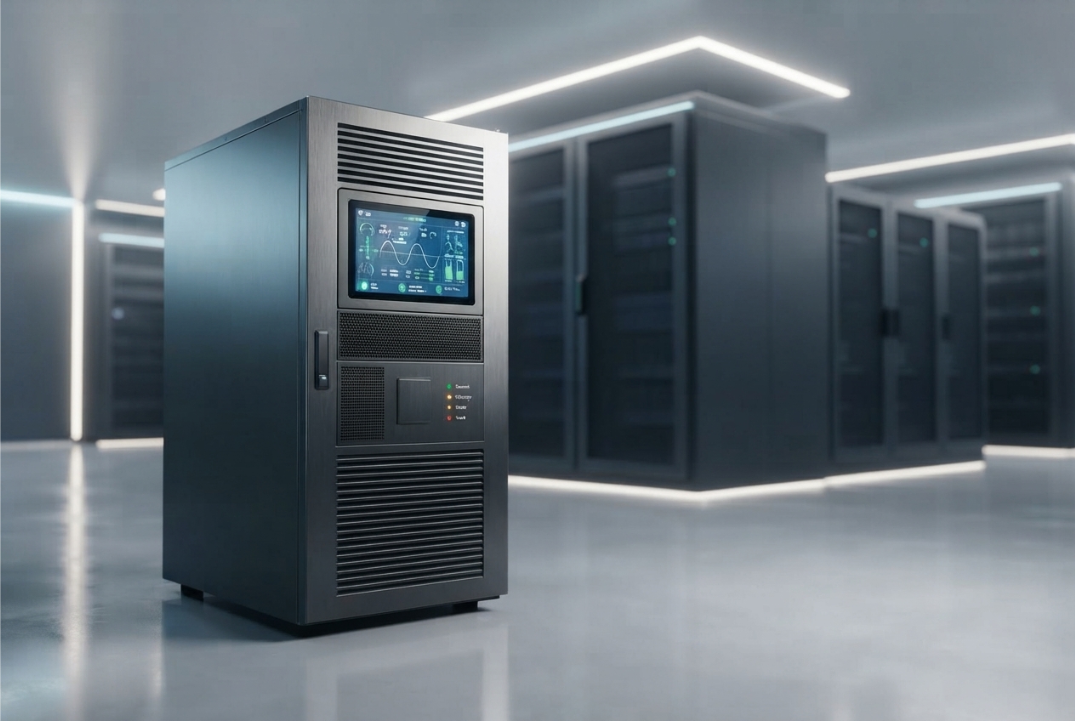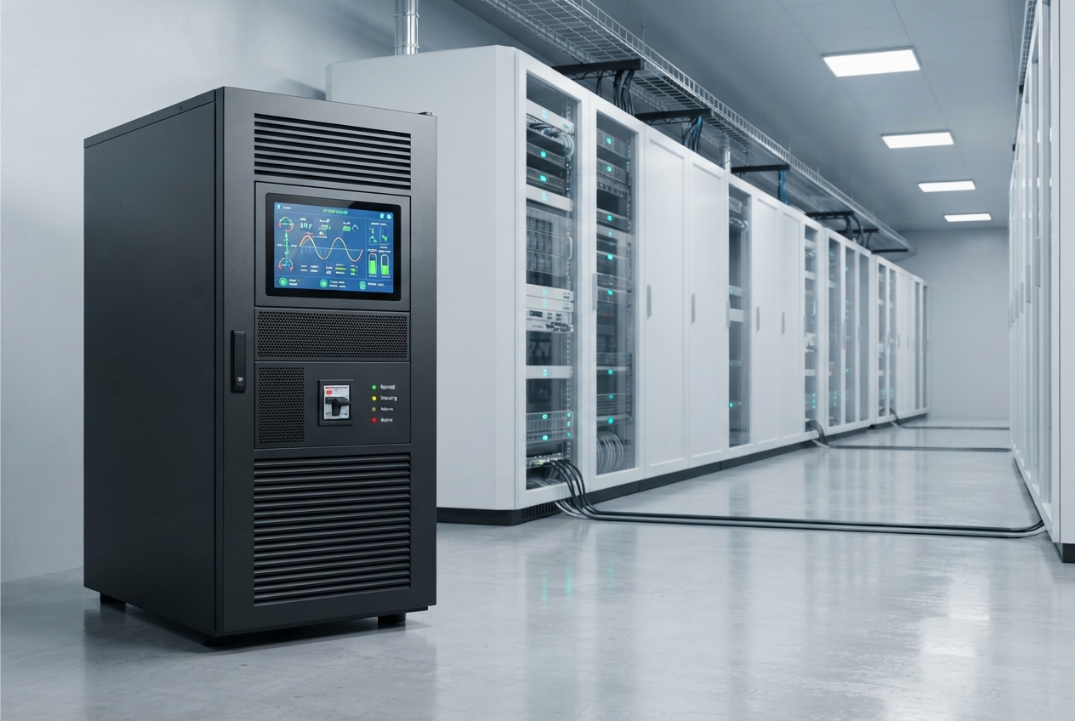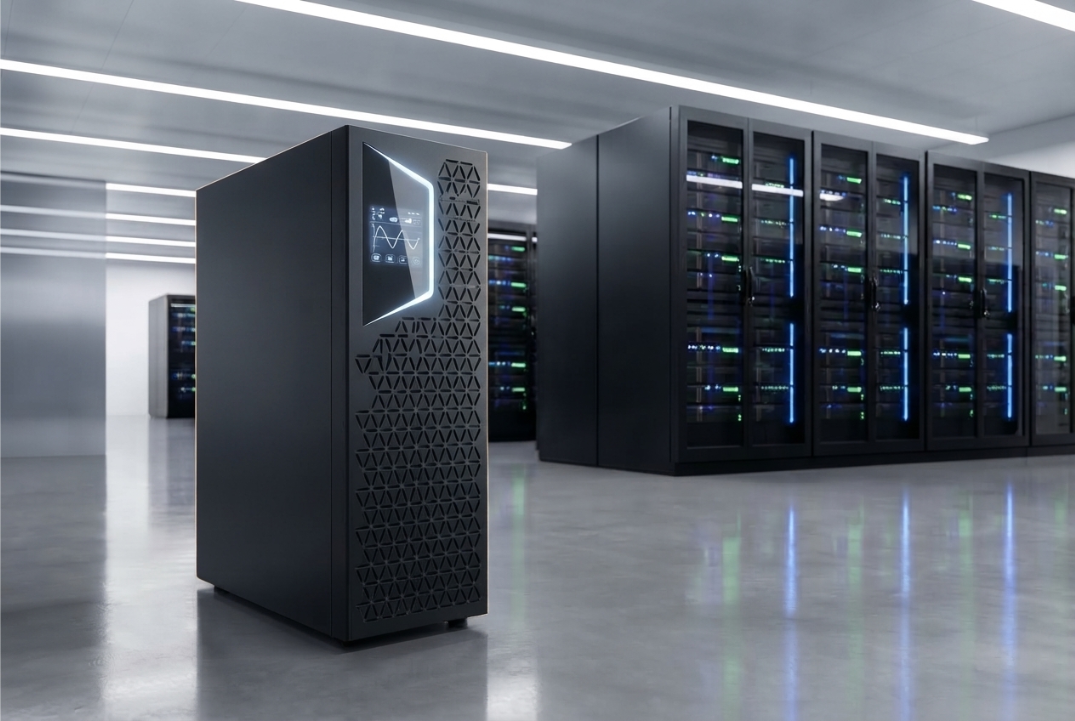
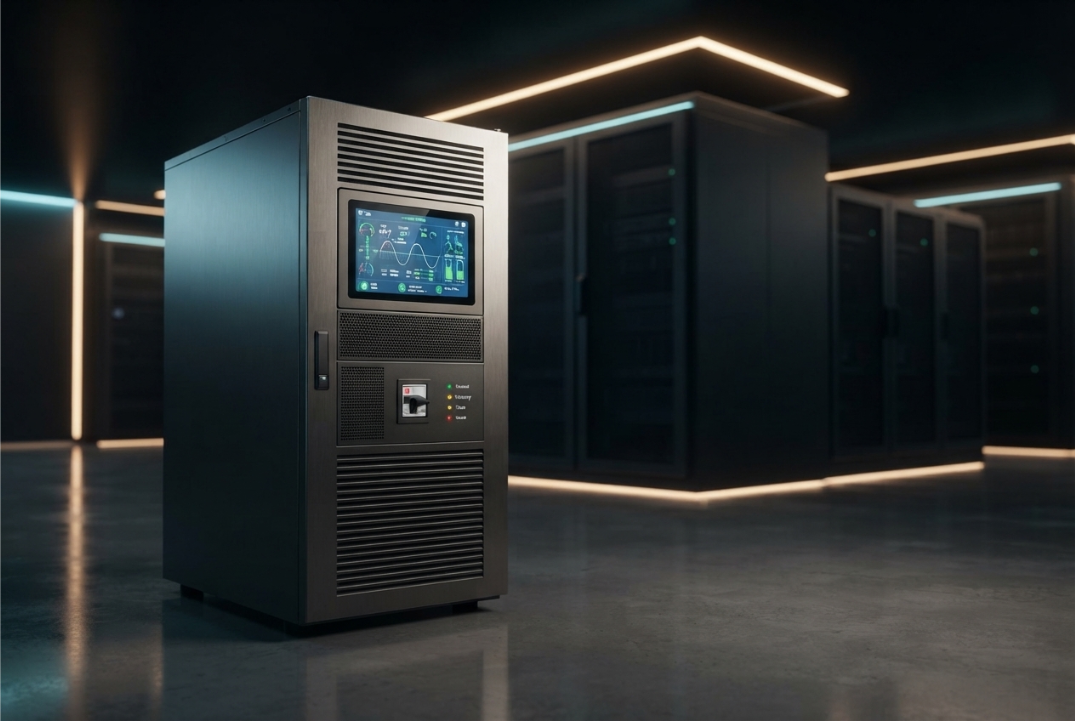
Choosing a 3 Phase Online UPS is not simply a matter of selecting the highest kVA rating or the most powerful model available.
A UPS becomes part of the facility’s critical electrical infrastructure. Its capacity, battery configuration, electrical compatibility, efficiency, bypass arrangement, scalability, and maintenance requirements can all affect how effectively it protects the connected load.
For a small installation, selecting the wrong UPS can result in unnecessary expenditure. For a critical facility, an incorrectly specified system can create much more serious problems, including insufficient capacity, inadequate battery autonomy, compatibility issues, or difficulty maintaining the system over its operating life.
That is why UPS selection should begin with the application rather than the product catalogue.
A proper evaluation should answer questions such as:
- How much power does the critical load actually require?
- How much backup time is necessary?
- Does the UPS match the facility’s three-phase electrical configuration?
- What happens during maintenance or an overload condition?
- Can the system accommodate future growth?
- What maintenance and service support will be available?
Bansal Hi-Tech provides three-phase online UPS solutions for different power requirements and applications.
Here are 10 important factors to check before choosing a 3 Phase Online UPS.
1. Determine the Actual Critical Load
The first and most important step is calculating the load that actually needs UPS protection.
Do not begin by choosing a UPS based on a rough estimate such as “the facility needs around 100 kVA.”
Instead, identify the equipment that must remain operational during a power interruption.
This may include:
- Servers
- Storage systems
- Network equipment
- Industrial control systems
- Communication equipment
- Security systems
- Critical production equipment
- Other sensitive electronic loads
Separate critical loads from equipment that can safely operate without UPS protection.
This distinction can significantly affect the required UPS capacity.
For example, powering an entire facility through a UPS may require substantially more capacity than protecting only its critical IT infrastructure.
What to calculate
Determine:
- Current load
- Maximum operating load
- Critical load
- Peak demand
- Future expected demand
The objective is to establish a realistic electrical load profile before selecting the UPS.
2. Check Both kVA and kW Ratings
Once the load has been identified, examine the UPS capacity in both kVA and kW.
These two measurements are related but represent different aspects of electrical power.
The relationship can be expressed as:
kW = kVA × Power Factor
For example, a UPS rated at 100 kVA with a power factor of 0.9 corresponds to:
100 × 0.9 = 90 kW
Therefore, looking only at the kVA rating can give an incomplete picture.
When comparing UPS systems, check:
- Rated kVA
- Rated kW
- Output power factor
- Current load
- Peak load
- Required headroom
The UPS should have sufficient capacity for the present critical load without being unnecessarily oversized.
Bansal Hi-Tech offers systems across different three-phase capacity ranges. For example, the HPI 33 EVO 10–40 kW Three Phase UPS is designed for a defined power range.
The correct model should be determined from the actual application rather than from capacity alone.
3. Evaluate the Required Battery Runtime
UPS capacity tells you how much load the system can support.
It does not automatically tell you how long the system can operate during an outage.
That depends heavily on the battery configuration and actual connected load.
Before purchasing a UPS, determine what the battery system needs to accomplish.
For example, does the facility require:
- A few minutes of runtime?
- Enough time for an orderly shutdown?
- Enough time for standby generation to start?
- Extended operation during a prolonged interruption?
These requirements can lead to very different battery configurations.
Battery runtime is affected by:
- Connected load
- Battery capacity
- Battery configuration
- Battery technology
- Battery condition
- Operating temperature
- UPS efficiency
Do not specify the battery system simply by saying “I need backup.”
Define how much backup time is actually required.
4. Verify Input and Output Compatibility
A three-phase UPS must be compatible with the facility’s electrical infrastructure.
This includes much more than simply confirming that the system is “three-phase.”
Check the:
- Input voltage
- Output voltage
- Input frequency
- Output frequency
- Phase configuration
- Neutral requirements
- Earthing arrangement
- Distribution configuration
The UPS should integrate correctly with the upstream electrical supply and downstream distribution system.
This is particularly important for industrial facilities and large IT installations where electrical distribution can be complex.
Bansal Hi-Tech also provides IT Infrastructure solutions, where power requirements can form part of a broader infrastructure design.
Never assume that two three-phase UPS systems with similar kVA ratings have identical electrical configurations.
5. Examine Efficiency at the Expected Load
UPS efficiency affects operating costs.
A UPS continuously processes electrical power, and energy losses can contribute to electricity consumption and heat generation.
However, maximum efficiency is not the only number that matters.
A better question is:
How efficiently will the UPS operate at my normal load?
For example, if a UPS is expected to operate at 40–60% of its capacity most of the time, evaluate its performance at that operating range rather than focusing only on its peak efficiency figure.
Consider:
- Normal operating load
- Minimum expected load
- Maximum expected load
- Efficiency at different load levels
- Heat generation
A system with appropriate capacity and good operating efficiency can be more practical over its lifecycle than a significantly oversized system.
6. Check the Bypass Arrangement
A UPS needs to remain serviceable without unnecessarily disrupting critical loads.
This is where the bypass arrangement becomes important.
Depending on the UPS design, bypass functionality can provide an alternative power path under specified conditions.
It can be relevant during:
- Maintenance
- Servicing
- Certain overload conditions
- UPS faults
- Commissioning
When evaluating a UPS, ask:
- Is a static bypass available?
- Is a maintenance bypass available?
- Under what conditions does the system transfer to bypass?
- What happens to the load during bypass operation?
- Can routine maintenance be performed without unnecessarily interrupting critical equipment?
The answers depend on the specific UPS architecture.
For critical facilities, bypass design should be evaluated as carefully as capacity and battery autonomy.
7. Consider Future Expansion
Your current power requirement may not remain the same.
IT infrastructure grows.
Servers are added.
Manufacturing capacity expands.
Additional networking equipment is installed.
New production systems may increase electrical demand.
If the UPS is selected with no consideration for future requirements, the facility may eventually need another system or a complete replacement.
Ask:
- How much will the critical load increase?
- Can additional capacity be added?
- Does the UPS support parallel operation?
- Is modular expansion available?
- Can the battery configuration be expanded?
- Will the existing electrical infrastructure support future growth?
Bansal Hi-Tech’s Easy UPS 3 Phase Modular 50–250 kW is an example of a modular three-phase UPS solution that can be evaluated where scalable capacity is important.
Not every installation needs a modular system, but future load growth should be considered before making the investment.
8. Look at Monitoring and Management Features
A modern UPS is not simply an electrical box that sits in a utility room.
Monitoring can provide important information about the system’s operating condition.
Depending on the model, monitoring features may include information about:
- Input voltage
- Output voltage
- Frequency
- Load level
- Battery condition
- Alarms
- Operating status
- Fault conditions
Remote monitoring can be particularly useful in facilities where the UPS is located away from the main operations team.
For a data center or large infrastructure environment, knowing about a developing problem before it becomes a complete failure can be extremely valuable.
Therefore, when comparing UPS systems, evaluate not only the hardware but also the available monitoring and management capabilities.
9. Evaluate Maintenance and Battery Replacement Requirements
A UPS requires ongoing maintenance.
Ignoring maintenance can undermine the reliability that the UPS was purchased to provide.
Important maintenance areas include:
- Battery condition
- Electrical connections
- Cooling
- Alarms
- Operating parameters
- Protective components
- Battery replacement
- General system inspection
Battery condition deserves particular attention.
A UPS may appear to be functioning normally while degraded batteries have significantly reduced its available runtime.
Before selecting a supplier, understand:
- Recommended maintenance frequency
- Battery replacement process
- Availability of replacement components
- Technical support
- Service response
- Preventive maintenance options
Bansal Hi-Tech’s client support resources are relevant when evaluating ongoing technical support requirements.
The purchase decision should therefore consider the entire lifecycle of the system rather than only the initial installation.
10. Consider the Application and Operating Environment
The same UPS specification may not be suitable for every environment.
A UPS installed in a controlled data center has different operating conditions from one installed in an industrial facility.
Consider:
- Ambient temperature
- Humidity
- Dust
- Ventilation
- Installation location
- Available floor space
- Noise requirements
- Battery-room conditions
- Accessibility for maintenance
Industrial environments may expose equipment to conditions that require additional consideration.
Manufacturing facilities, for example, may have demanding operating environments and critical production loads.
Bansal Hi-Tech provides Manufacturing industry solutions for infrastructure requirements in this sector.
The UPS should therefore be selected according to both its electrical requirements and its physical operating environment.
How to Match the UPS to Different Applications
A useful way to approach UPS selection is to start with the application.
Data Centers
A data center may require attention to:
- High availability
- Load capacity
- Battery autonomy
- Redundancy
- Monitoring
- Scalability
- Maintenance planning
Bansal Hi-Tech’s Data Center solutions provide relevant infrastructure context for these environments.
Manufacturing Facilities
Manufacturing applications may require:
- Three-phase compatibility
- Protection for critical control systems
- Appropriate overload capability
- Reliable power continuity
- Suitable environmental conditions
- Maintenance access
The UPS should be integrated into the broader facility power architecture.
IT and ITES
IT environments can contain:
- Servers
- Storage
- Network switches
- Communication systems
- Security equipment
These loads may be sensitive to power interruptions and electrical disturbances.
Bansal Hi-Tech’s IT & ITES industry solutions provide additional context for organizations operating in this area.
What Size 3 Phase Online UPS Do You Need?
There is no universal UPS size that works for every facility.
The correct capacity depends on the actual critical load.
A simplified sizing process is:
Step 1: List the critical equipment
Identify every load that requires UPS protection.
Step 2: Determine electrical demand
Establish the kW and kVA requirements.
Step 3: Identify peak conditions
Determine whether the load has startup or temporary demand that needs to be considered.
Step 4: Account for future growth
Estimate additional capacity that may be required over the intended operating period.
Step 5: Define battery autonomy
Determine how long the load must remain supported during an interruption.
Step 6: Compare suitable systems
Only after these requirements are established should specific UPS models be compared.
For larger applications, Bansal Hi-Tech also lists the KEOR HPE 60–500 kW Three Phase UPS.
Again, the correct system should be determined from the application’s requirements rather than simply choosing the largest available model.
Common Mistakes to Avoid When Choosing a 3 Phase Online UPS
Choosing Only by Price
The cheapest UPS is not necessarily the most economical solution.
Consider installation, batteries, maintenance, energy consumption, replacement components, and expected operating life.
Choosing Only by kVA
A UPS’s kVA rating does not tell the complete story.
Always examine kW, power factor, load characteristics, and operating requirements.
Ignoring Battery Autonomy
A UPS without sufficient battery capacity may not meet the facility’s actual backup requirement.
Define the required runtime before finalizing the configuration.
Forgetting Future Load Growth
A UPS selected only for today’s load can become inadequate as the facility expands.
Consider expected growth before installation.
Ignoring the Installation Environment
Temperature, ventilation, dust, humidity, and available space can all affect equipment operation and maintenance.
Treating Maintenance as an Optional Expense
Battery degradation and component wear can affect reliability.
Preventive maintenance should be part of the UPS lifecycle plan.
A Practical Checklist Before You Buy
Before finalizing a 3 Phase Online UPS, confirm the following:
| Factor | What to Check |
|---|---|
| Load | Current and critical load |
| Capacity | kVA and kW |
| Power Factor | UPS and load compatibility |
| Input | Voltage, frequency and phase |
| Output | Voltage, frequency and phase |
| Battery | Required autonomy and configuration |
| Efficiency | Performance at expected load |
| Bypass | Static and maintenance bypass options |
| Scalability | Future capacity requirements |
| Monitoring | Local and remote monitoring |
| Maintenance | Service and battery replacement |
| Environment | Temperature, ventilation and installation conditions |
This checklist helps move the purchasing process from “Which UPS should I buy?” to the more useful question:
“Which UPS configuration actually fits my facility?”
Final Takeaway
Choosing a 3 Phase Online UPS requires more than comparing product prices or selecting the highest capacity.
The right system should match the facility’s electrical configuration, critical load, battery autonomy, operating environment, future expansion plans, and maintenance strategy.
The 10 factors to check are:
- Critical load
- kVA and kW capacity
- Battery runtime
- Input and output compatibility
- Efficiency
- Bypass arrangement
- Future scalability
- Monitoring and management
- Maintenance and battery replacement
- Operating environment
A well-specified UPS should provide enough capacity for the critical load without unnecessary oversizing, sufficient battery autonomy for the intended application, and an architecture that can be maintained throughout its operating life.
For businesses evaluating different three-phase power-protection requirements, Bansal Hi-Tech’s three-phase online UPS portfolio can be reviewed alongside the facility’s actual electrical and operational requirements.
The best UPS is not necessarily the biggest or cheapest one.
It is the one that fits the load, electrical system, runtime requirement, environment, and long-term operating plan.
Frequently Asked Questions
1. How do I choose a 3 Phase Online UPS?
Start by calculating the critical load in kW and kVA. Then evaluate battery autonomy, electrical compatibility, efficiency, bypass, scalability, monitoring, environmental conditions, and maintenance requirements.
2. How much UPS capacity do I need?
The required capacity depends on the actual critical load, power factor, peak demand, operating margin, and expected future growth. There is no single capacity suitable for every facility.
3. Is kVA or kW more important when selecting a UPS?
Both are important. kVA represents apparent power, while kW represents real power. The relationship between them depends on power factor.
4. How much battery backup do I need?
The required runtime depends on the purpose of the UPS. Some facilities need enough time for an orderly shutdown, while others need enough runtime for standby power to become available.
5. Why is bypass important in a UPS?
Bypass functionality can provide an alternative power path during specified conditions such as maintenance, servicing, overload, or certain UPS faults, depending on the system design.
6. Should I buy a larger UPS for future expansion?
Potentially, but excessive oversizing can increase costs. Evaluate the expected load growth and consider whether the selected UPS supports capacity expansion or modular growth.
7. What affects UPS efficiency?
Efficiency can vary with load level, operating mode, design, and other system characteristics. Evaluate efficiency at the load range where the UPS is expected to operate.
8. How often does a 3 Phase Online UPS require maintenance?
The recommended maintenance schedule depends on the UPS model, batteries, operating environment, and manufacturer’s requirements. Regular inspection and battery assessment are important.
9. Can a 3 Phase Online UPS be used in a manufacturing facility?
Yes, three-phase online UPS systems can be suitable for manufacturing environments when the UPS capacity, electrical configuration, environmental conditions, and protected loads are properly evaluated.
10. What is the biggest mistake when choosing a 3 Phase Online UPS?
Choosing a UPS based only on price or kVA rating is a common mistake. Proper selection requires evaluating the complete electrical, battery, operational, environmental, and lifecycle requirements.