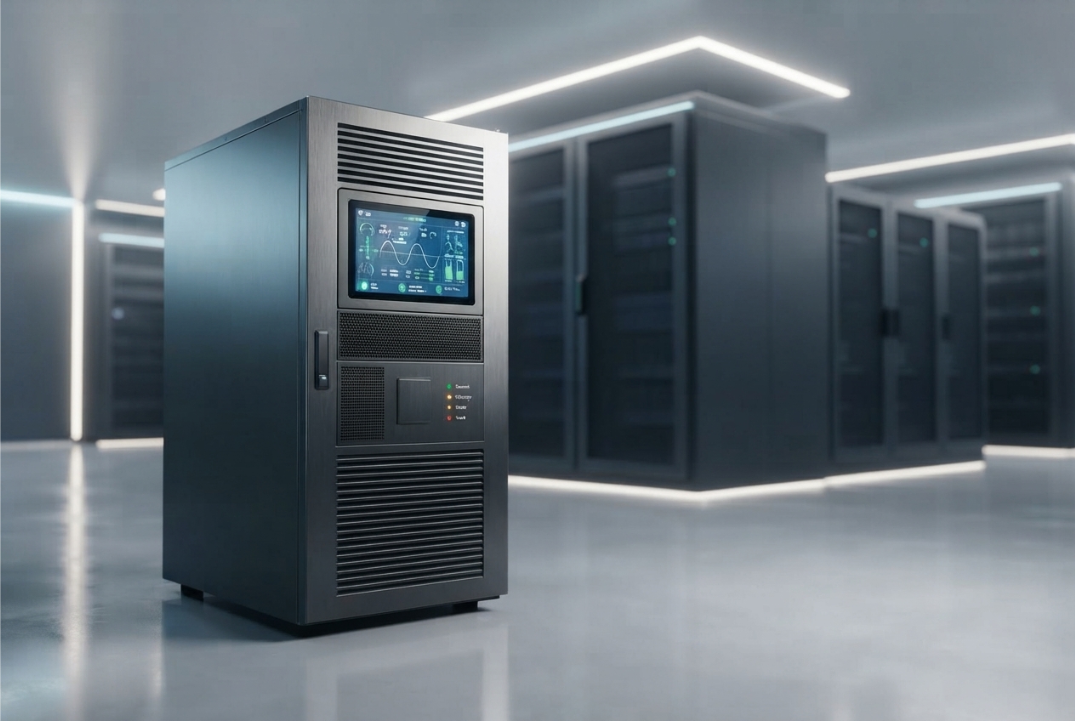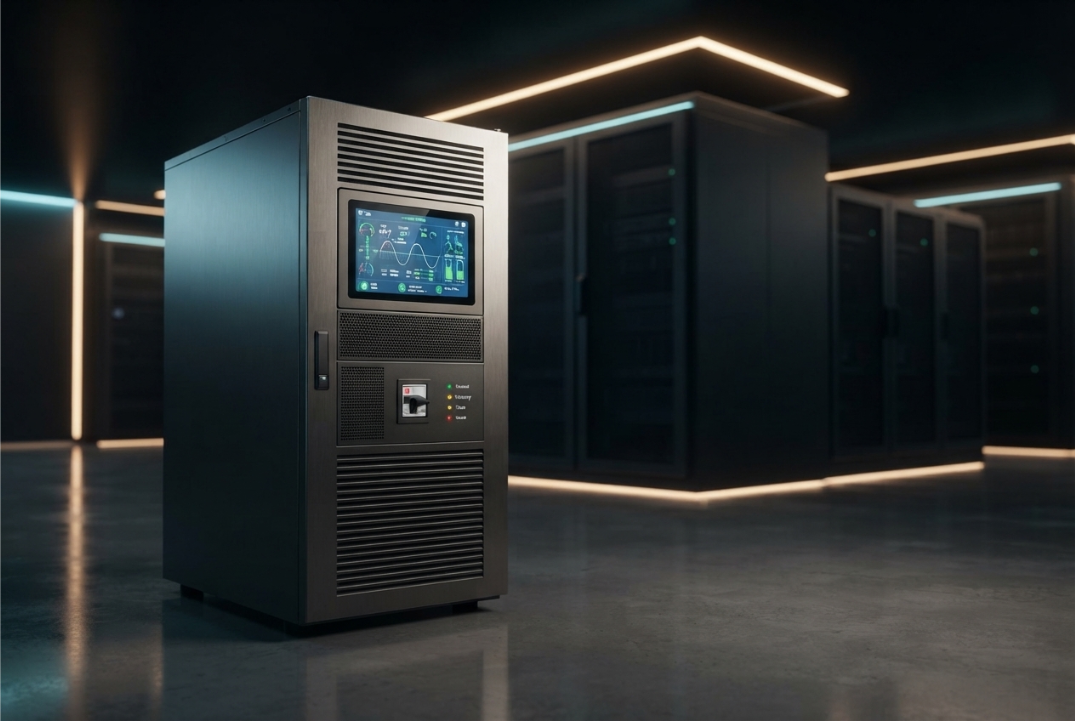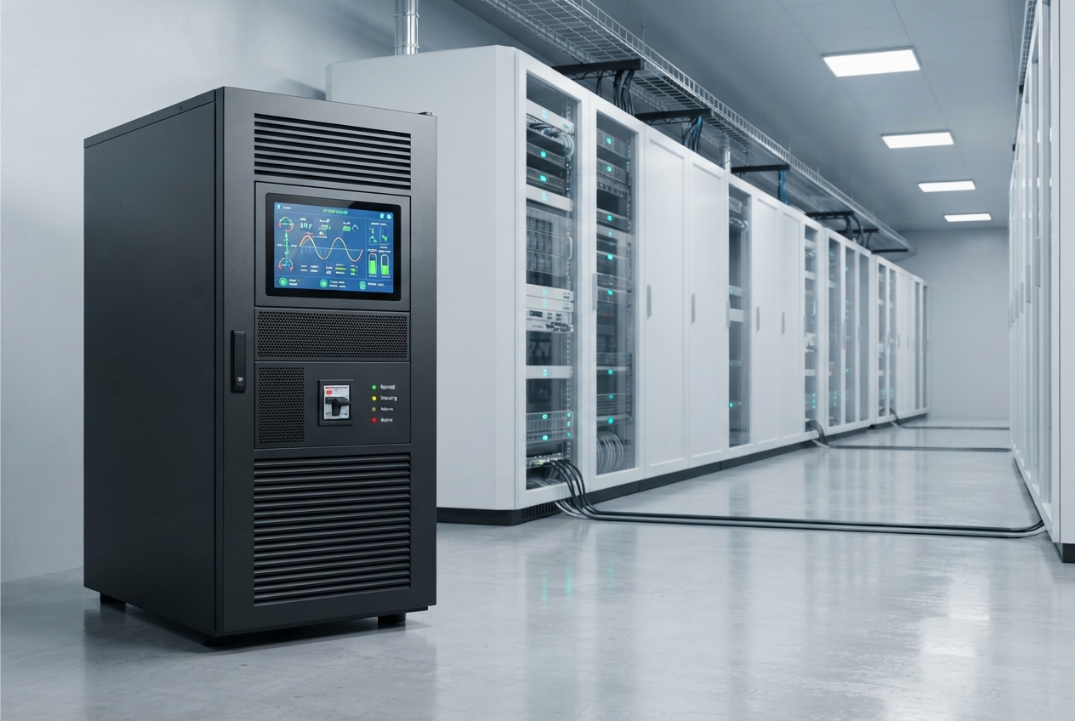
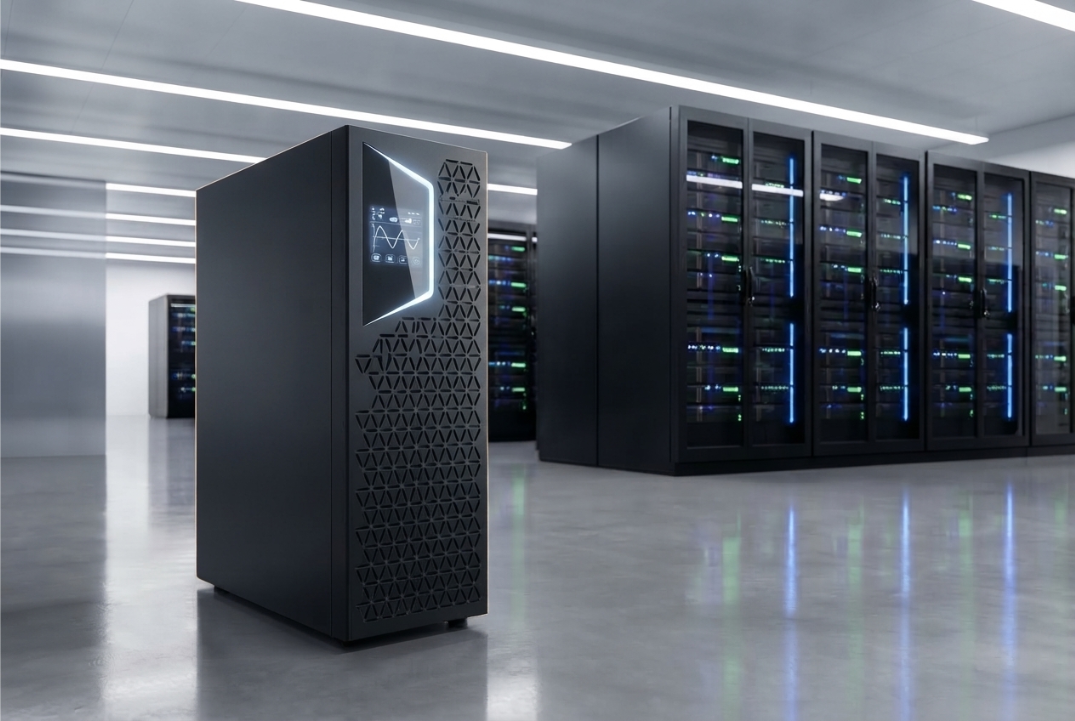
Buying a 3 Phase Online UPS is a major decision for any organization that depends on reliable electrical power.
At first, the purchase can look simple. You compare capacity, features, price, and warranty. Then you select a model and arrange installation.
The reality is more complicated.
A UPS that looks suitable on paper may not be the right choice for your actual load. Battery requirements can change the project cost. Installation conditions can create unexpected challenges. Future expansion can make today’s capacity inadequate.
These issues are often discovered only after the system has been purchased.
That is why buyers should evaluate the complete application before selecting a UPS.
Bansal Hi-Tech offers 3 Phase Online UPS solutions for different power-protection requirements. However, the right system should always be selected according to the electrical characteristics of the application.
Here are 10 things buyers often discover too late.
1. UPS Capacity Is Not the Same as Your Actual Load
One of the first mistakes buyers make is treating the UPS kVA rating as the only sizing requirement.
It is not.
Your facility has an actual electrical load. The UPS has a rated capacity. These two figures need to be matched correctly.
You should identify:
- Current critical load
- Maximum expected load
- Load in kW
- Load in kVA
- Power factor
- Future load growth
- Required operating headroom
For example, a facility may have several servers, network devices, storage systems, and other critical equipment.
However, not every electrical device in the building needs to be connected to the UPS.
That distinction can significantly affect the required capacity.
Why this matters
An undersized UPS may operate too close to its limit.
An excessively oversized UPS can increase the initial investment and may not provide the expected economic benefits.
The objective is therefore not to buy the biggest system.
The objective is to select the right capacity for the actual critical load.
Bansal Hi-Tech’s Power Solution portfolio provides a broader view of power-related solutions that can be considered alongside the UPS requirement.
2. kVA Alone Does Not Tell the Whole Story
Another issue often becomes clear only after buyers start comparing technical specifications.
Two UPS systems can have the same kVA rating but different kW capabilities.
The relationship is:
kW = kVA × Power Factor
For example:
100 kVA × 0.9 = 90 kW
So, a 100 kVA UPS with a 0.9 power factor has a corresponding real-power capacity of 90 kW.
This is why you should compare both:
- kVA rating
- kW rating
- Output power factor
Do not rely on a single capacity number.
The actual equipment load should determine which specification matters for your application.
A practical approach
Before requesting a quotation, prepare the load information.
Include the equipment type, estimated consumption, operating load, and expected future additions.
That gives the supplier a much better basis for recommending an appropriate configuration.
3. Battery Runtime Is a Separate Design Decision
Many buyers assume that purchasing a higher-capacity UPS automatically provides longer backup.
That is not how battery autonomy works.
Backup time depends on factors such as:
- Connected load
- Battery capacity
- Battery configuration
- Battery voltage
- Battery technology
- UPS efficiency
- Battery condition
- Operating temperature
- Discharge characteristics
A 3 Phase Online UPS can have a substantial power rating and still provide a relatively short battery runtime if the battery system is designed for short autonomy.
Why do facilities use different runtimes?
The answer depends on the purpose of the battery backup.
One facility may need enough time to bridge the gap until another power source becomes available.
Another may need enough time for an orderly shutdown.
A third may require longer autonomy because of the nature of its operation.
Therefore, specify the required runtime before finalizing the UPS configuration.
Do not simply say:
“I need a 100 kVA UPS.”
Also specify:
“I need this UPS to support this load for this amount of time.”
That is a much more useful requirement.
4. Batteries Affect the Total Cost More Than You May Expect
The UPS itself is only one component of the investment.
The battery system can influence:
- Initial cost
- Installation space
- Maintenance
- Replacement requirements
- Operating temperature requirements
- Expected service life
- Long-term ownership cost
Battery selection should therefore be treated as part of the UPS design.
VRLA batteries
VRLA batteries are widely used in UPS applications.
They are sealed and generally require less routine maintenance than traditional flooded battery systems.
Lithium-ion batteries
Lithium-ion technology can offer high energy density and different lifecycle characteristics.
However, it also has different requirements related to battery management, safety, installation, temperature, and cost.
There is no universal answer to which battery technology is best.
The correct choice depends on the application.
Consider:
- Required runtime
- Available space
- Temperature
- Maintenance strategy
- Expected service life
- Budget
- Application criticality
This is one area where choosing purely on initial purchase price can be misleading.
5. Installation Space Can Become a Problem
Buyers often focus heavily on the UPS specifications and overlook the physical installation.
That can become a problem later.
A UPS installation may require space for:
- UPS equipment
- Battery systems
- Electrical connections
- Cable routing
- Ventilation
- Service access
- Maintenance activities
- Future expansion
The available room should therefore be evaluated before the equipment is finalized.
Check these conditions
Before installation, review:
- Ambient temperature
- Humidity
- Dust levels
- Ventilation
- Floor loading
- Equipment clearance
- Cable routes
- Maintenance access
Battery systems deserve particular attention because environmental conditions can affect battery performance and service life.
A technically suitable UPS can still become a poor installation choice if the facility cannot provide the required operating environment.
6. The UPS Must Match the Rest of the Electrical System
A three-phase UPS does not operate independently.
It becomes part of a larger electrical infrastructure.
That infrastructure may include:
- Utility supply
- Distribution boards
- Transformers
- Generator
- Protection devices
- Earthing
- Critical loads
- Monitoring systems
Therefore, the UPS input and output characteristics must match the facility.
Check:
- Input voltage
- Output voltage
- Input frequency
- Output frequency
- Input phase configuration
- Output phase configuration
- Neutral requirements
- Earthing requirements
- Bypass arrangement
For organizations planning broader infrastructure requirements, Bansal Hi-Tech also provides IT Infrastructure solutions.
Why compatibility matters
A UPS may have excellent specifications and still be unsuitable for a particular electrical installation.
That is why technical compatibility should be checked before purchase, not after delivery.
7. Generator Compatibility Is Often Overlooked
Many critical facilities use a generator for extended power interruptions.
In such installations, the UPS and generator need to work as part of the same power strategy.
The UPS can provide immediate continuity while the generator starts and becomes available.
However, compatibility depends on several factors.
These can include:
- Generator capacity
- UPS input characteristics
- Input power factor
- Harmonic performance
- Voltage tolerance
- Frequency tolerance
- Generator loading
- Transfer arrangements
The generator should not be selected simply by looking at its kVA rating.
The UPS, generator, electrical distribution, and critical loads should be considered together.
This becomes particularly important in data-center environments where power continuity can be closely linked to operational availability.
The important question
Before purchasing, ask:
“Has the UPS-generator combination been technically evaluated?”
If the answer is no, the project is not ready for final equipment selection.
8. Future Expansion Can Make Today’s UPS Too Small
Your current electrical load is not necessarily your future load.
Businesses grow.
They add:
- Servers
- Storage
- Network equipment
- Production machinery
- Automation systems
- Communication equipment
- Cooling infrastructure
As a result, a UPS that is perfectly adequate today may become insufficient later.
But there is another side
Buying a massively oversized UPS is not automatically a smart solution.
It can increase:
- Capital expenditure
- Installation requirements
- Infrastructure requirements
- Operating complexity
The better approach is to estimate realistic future demand.
Then determine whether the UPS should have:
- Additional capacity
- Modular expansion
- Parallel operation
- Redundant capacity
- Additional battery capability
For example, a modular option such as the Easy UPS 3 Phase Modular 50–250 kW can be evaluated when modular capacity is relevant to the application.
The point is not that every organization needs a modular UPS.
The point is that future capacity should be considered before the first system is installed.
9. Maintenance Is Part of the Investment
A UPS is not a purchase that ends when the installation is complete.
It is an operational asset.
Over time, the system may require:
- Preventive maintenance
- Battery inspection
- Electrical inspections
- Alarm checks
- Cooling checks
- Connection inspections
- Performance monitoring
- Battery replacement
- Component replacement
This means service capability matters.
A UPS with excellent technical specifications can still create operational difficulties if maintenance support is poor.
What should buyers ask?
Before purchasing, ask:
- Who will maintain the system?
- What is the recommended maintenance schedule?
- How quickly can service be provided?
- Are spare parts available?
- How are batteries handled?
- What monitoring options are available?
Bansal Hi-Tech provides client support that can be considered when evaluating the service side of a power-protection investment.
Maintenance should be included in the total cost of ownership from the beginning.
10. The Cheapest UPS May Not Be the Cheapest System
This is perhaps the most important lesson.
The purchase price is only one part of the financial calculation.
A UPS can create costs throughout its operating life.
Consider:
Initial investment
The UPS, batteries, accessories, and installation all contribute to the initial cost.
Energy consumption
UPS losses consume electricity.
Cooling
Electrical losses become heat, which may increase cooling requirements.
Batteries
Batteries eventually require replacement.
Maintenance
Preventive maintenance and technical service contribute to lifecycle costs.
Expansion
Future capacity requirements may require additional investment.
Downtime
Power-related interruptions can have operational consequences that are difficult to capture in the original equipment price.
Therefore, compare systems based on total cost of ownership, not just purchase price.
5 More Things Experienced Buyers Check
The ten points above cover the major issues. However, experienced buyers usually go a step further.
Efficiency at the Expected Load
Do not focus only on the maximum efficiency figure.
Check how efficiently the UPS operates at the load level you actually expect.
A system may spend most of its life at 40% or 60% load rather than at full capacity.
That operating point matters.
Harmonic Performance
Review the manufacturer’s specifications for:
- Input current THD
- Output voltage THD
- Input power factor
- Electrical compatibility
This becomes increasingly important in facilities with substantial electronic loads.
Overload Capability
Ask how the UPS behaves when the connected load temporarily exceeds its normal operating level.
Check:
- Maximum overload
- Duration
- Protection response
- Bypass behavior
Do not assume that all UPS systems have identical overload performance.
Bypass Arrangements
Understand how the load can be supported during specific UPS operating conditions or maintenance.
Depending on the system, this may involve:
- Static bypass
- Maintenance bypass
- Manual bypass
The bypass architecture should match the facility’s operational and maintenance requirements.
Monitoring
A critical UPS should not be treated as a black box.
Monitoring can provide information about:
- Load
- Input
- Output
- Battery condition
- Runtime
- Alarms
- Faults
- Operating status
The exact capabilities depend on the UPS model.
However, visibility becomes increasingly valuable as the criticality of the installation increases.
How to Evaluate Different 3 Phase Online UPS Models
Once your requirements are clear, compare actual models using measurable criteria.
For example, Bansal Hi-Tech lists the KEOR T EVO 15–60 kVA Three Phase UPS for its specified capacity range.
A different application may require a higher-capacity system such as the KEOR HPE 60–500 kW Three Phase UPS.
Another installation may need to evaluate the Easy UPS 3M Advanced 100–250 kW.
The correct model cannot be determined from capacity alone.
Compare:
| Parameter | What to Evaluate |
|---|---|
| Capacity | kVA and kW |
| Power factor | Rated output PF |
| Battery | Technology and autonomy |
| Efficiency | Performance at expected load |
| Input | Voltage, frequency and phase |
| Output | Voltage, frequency and phase |
| Harmonics | Input and output distortion |
| Overload | Rating and duration |
| Bypass | Available arrangements |
| Redundancy | Required architecture |
| Scalability | Future capacity |
| Monitoring | Available information |
| Environment | Temperature and ventilation |
| Service | Maintenance support |
| Lifecycle | Total ownership cost |
This approach is more reliable than comparing advertisements or choosing the lowest quotation.
What Different Applications May Need
A three-phase UPS does not have one universal configuration.
The application changes the requirements.
Data Centers
Data centers may prioritize:
- Availability
- Redundancy
- Monitoring
- Scalability
- Generator compatibility
- Battery autonomy
Bansal Hi-Tech’s Data Center solutions are relevant when evaluating broader infrastructure requirements.
Manufacturing
Manufacturing environments can involve:
- Automation
- Industrial controls
- Production systems
- Electronic equipment
- Monitoring infrastructure
The UPS must be evaluated against the facility’s electrical characteristics and operational requirements.
Bansal Hi-Tech also covers Manufacturing industry solutions.
IT and ITES
IT environments can depend heavily on:
- Servers
- Network infrastructure
- Storage
- Communication systems
- Business applications
Bansal Hi-Tech’s IT & ITES solutions provide another relevant application context.
When Renting May Make More Sense Than Buying
Not every requirement is permanent.
An organization may need temporary UPS capacity during:
- Facility upgrades
- Equipment replacement
- Planned maintenance
- Expansion projects
- Temporary deployments
In such cases, purchasing a permanent system may not always be the most practical option.
Bansal Hi-Tech also offers Online UPS Rental for temporary requirements.
The right choice depends on the expected duration, required capacity, operating conditions, and financial objectives of the project.
A Buyer’s Final Checklist
Before approving a 3 Phase Online UPS, make sure you can answer all of these questions:
Load
- What is the actual critical load?
- What is the maximum expected load?
- What are the kW and kVA requirements?
- What is the load power factor?
Battery
- How much autonomy is required?
- Which battery technology is appropriate?
- How much installation space is available?
- What is the expected battery lifecycle?
Electrical System
- Does the UPS match the input configuration?
- Does it match the output configuration?
- Is the generator compatible?
- Are bypass requirements understood?
Future Requirements
- Will the load increase?
- Is additional capacity required?
- Is redundancy necessary?
- Can the system be expanded?
Operations
- How will the UPS be monitored?
- What maintenance is required?
- Who will provide technical support?
- What are the expected lifecycle costs?
If several of these questions remain unanswered, the purchase decision is premature.
Final Thoughts
The biggest UPS purchasing mistakes rarely happen because buyers cannot find a product.
They happen because buyers select the product before defining the requirement.
A 3 Phase Online UPS should be evaluated as part of the facility’s complete electrical infrastructure.
The correct decision depends on much more than capacity.
You need to understand:
- Your actual critical load
- kW and kVA requirements
- Battery autonomy
- Battery technology
- Installation conditions
- Electrical compatibility
- Generator integration
- Future expansion
- Maintenance requirements
- Total cost of ownership
Once these factors are clear, comparing UPS models becomes much easier.
The objective should not be to buy the largest system.
It should not be to buy the cheapest system either.
The objective is to select a technically appropriate, maintainable, scalable, and financially sensible power-protection solution for the application.
Bansal Hi-Tech’s three-phase online UPS range can be explored after the site’s electrical and operational requirements have been established.
That sequence matters.
Define the requirement first. Compare the UPS second.
Frequently Asked Questions
1. What is the most important thing to check before buying a 3 Phase Online UPS?
Start with the actual critical load. Determine the required kW, kVA, power factor, and expected future growth before selecting the UPS capacity.
2. Does a higher kVA rating mean a better UPS?
No. A higher rating is useful only when the application requires it. Oversizing can increase costs without providing a meaningful benefit.
3. How is UPS battery runtime determined?
Runtime depends on the connected load, battery capacity, battery configuration, battery condition, temperature, UPS efficiency, and discharge characteristics.
4. Why should kW and kVA both be checked?
kVA represents apparent power, while kW represents real power. Their relationship depends on power factor, so both ratings matter during UPS selection.
5. Does the UPS need to be compatible with a generator?
If the facility uses a generator, yes, the UPS-generator combination should be evaluated for electrical compatibility.
6. Can a UPS be expanded later?
Some UPS architectures support scalability or modular expansion. However, this depends on the specific model and system design.
7. Why is battery technology important?
Battery technology affects energy density, space requirements, maintenance, lifecycle, operating conditions, and total cost.
8. How important is UPS efficiency?
It can be very important for systems that operate continuously. Efficiency affects electrical losses and heat generation.
9. What is N+1 redundancy?
N+1 means providing one additional capacity unit beyond the minimum required for the critical load. It can improve resilience and maintenance flexibility.
10. Does installation space affect UPS selection?
Yes. UPS equipment and batteries require suitable space, ventilation, electrical clearances, cable routing, and maintenance access.
11. Should maintenance be considered before purchasing?
Absolutely. Preventive maintenance, battery replacement, technical support, and spare parts can all contribute significantly to the total cost of ownership.
12. Is UPS rental suitable for temporary requirements?
It can be. Organizations with temporary power-protection requirements may consider rental instead of purchasing a permanent system.