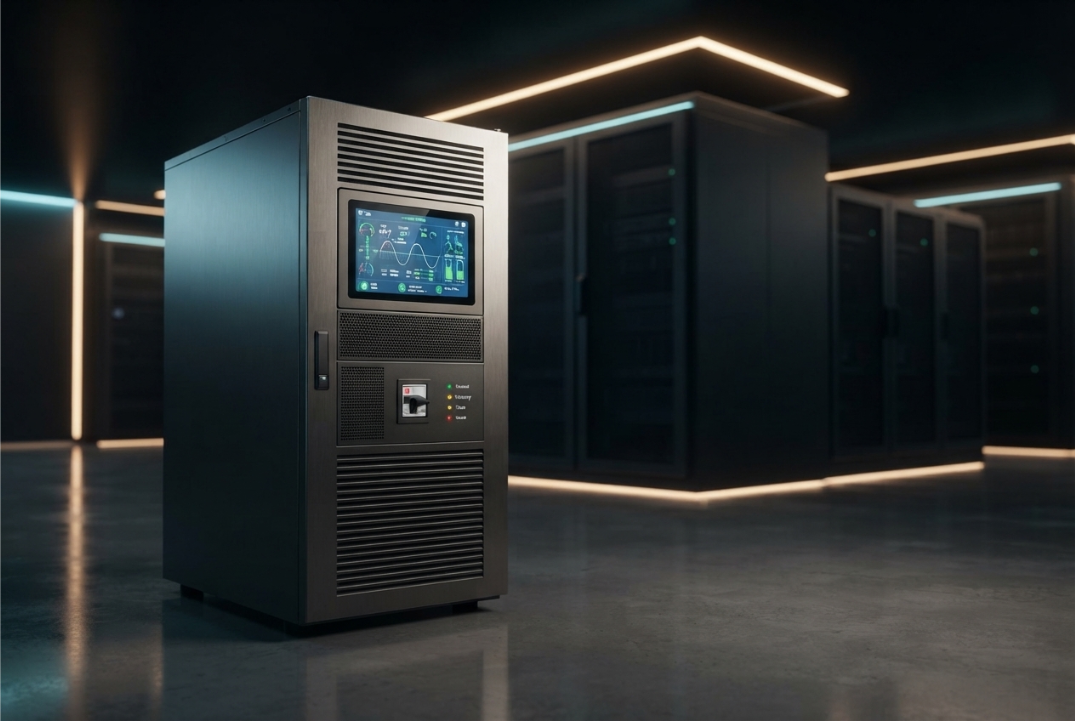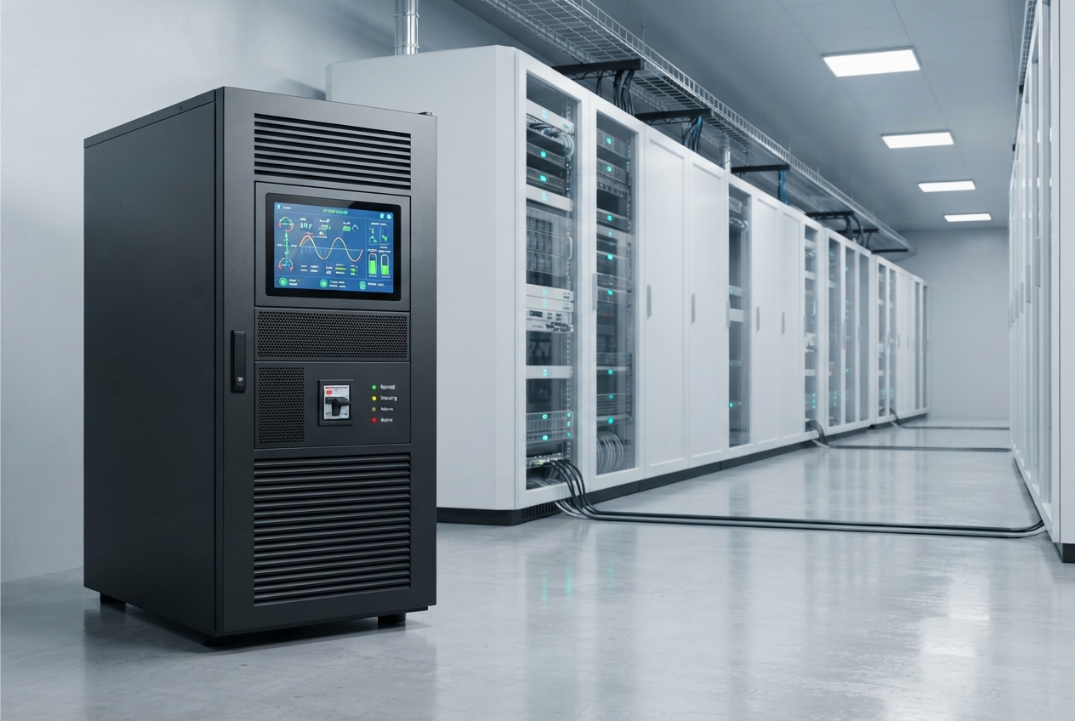
Selecting the correct 3 Phase Online UPS size is one of the most important decisions in a critical power system.
A UPS that is too small may not support the required load safely. A system that is significantly oversized, on the other hand, can increase the initial investment and may not operate at its most efficient point.
The right approach is to calculate the actual electrical requirement first and then match that requirement with an appropriate UPS configuration.
This calculation is not based on one number.
You need to consider the connected load, critical load, power factor, peak demand, future expansion, battery requirements, operating margin, and the electrical characteristics of the installation.
For organizations evaluating three-phase power protection, Bansal Hi-Tech provides three-phase online UPS solutions across different capacity requirements.
In this guide, we will explain 8 factors that should be considered when determining the appropriate 3 Phase Online UPS size.
Why Correct UPS Sizing Matters
UPS sizing directly affects the reliability and economics of the installation.
If the selected capacity is insufficient, the UPS may be unable to support the connected load or may operate too close to its limits.
If the system is unnecessarily large, you may spend more on equipment and associated infrastructure than the application actually requires.
Correct sizing helps you balance:
- Load capacity
- Reliability
- Battery requirements
- Efficiency
- Future expansion
- Installation requirements
- Operating costs
The goal is not to buy the largest UPS.
The goal is to select a capacity that properly supports the actual critical load with an appropriate operating margin.
The Basic UPS Sizing Principle
Before looking at the eight factors, it is useful to understand the relationship between apparent and real power.
UPS capacity is commonly expressed in kVA, while loads are also described in kW.
The basic relationship is:
kW = kVA × Power Factor
Therefore:
kVA = kW ÷ Power Factor
Example
Suppose the critical load is:
80 kW
and the relevant power factor is:
0.8
Then:
80 ÷ 0.8 = 100 kVA
So the calculated apparent-power requirement is 100 kVA before considering additional design margin or other application-specific requirements.
This is only a basic calculation.
Actual UPS selection requires additional factors.
1. Calculate the Total Connected Load
Start by identifying all equipment that could potentially be connected to the UPS.
Create a load list containing equipment such as:
- Servers
- Storage systems
- Network equipment
- Industrial controls
- Communication equipment
- Security systems
- Critical production equipment
- Other essential electronic loads
Record the power requirement of each item.
Where possible, use measured operating data rather than relying entirely on equipment nameplate ratings.
For example:
| Equipment | Approx. Load |
|---|---|
| Servers | 25 kW |
| Storage | 10 kW |
| Network equipment | 5 kW |
| Control systems | 8 kW |
| Other critical loads | 7 kW |
| Total | 55 kW |
In this simplified example, the total identified load is 55 kW.
But this does not necessarily mean that a 55 kW UPS is the correct choice.
You still need to determine the actual critical load, power factor, future requirements, and operating margin.
2. Identify the Critical Load
Not every electrical load in a facility necessarily needs UPS protection.
This distinction can significantly change the required UPS size.
Separate equipment into two categories:
Critical Loads
Equipment that must remain operational during a power interruption.
Examples include:
- Servers
- Network infrastructure
- Critical control systems
- Communication systems
- Essential security equipment
Non-Critical Loads
Equipment that can safely operate without UPS protection.
Examples may include:
- General lighting
- Non-essential office equipment
- Certain HVAC loads
- Non-critical machinery
The UPS should generally be sized around the load that actually requires protected power, not automatically around the entire facility’s electrical consumption.
This can prevent unnecessary oversizing.
For facilities with complex IT requirements, Bansal Hi-Tech’s IT infrastructure solutions provide broader infrastructure context.
3. Determine the Load in kW and kVA
Once the critical load has been identified, determine both its kW and kVA requirements.
This matters because different equipment can have different power-factor characteristics.
Use the relationship:
kVA = kW ÷ Power Factor
Example
Assume your critical load is:
120 kW
and the applicable power factor is:
0.9
Then:
120 ÷ 0.9 = 133.33 kVA
The calculated apparent-power requirement is therefore approximately:
133.3 kVA
You would then evaluate UPS capacities that can appropriately support this requirement while allowing for operating margin and future growth.
Do not simply select a 120 kVA UPS because the load is 120 kW.
The relationship between kW and kVA matters.
4. Check Peak and Starting Loads
Average load is not always the only load that matters.
Some equipment can produce temporary increases in electrical demand when starting or changing operating conditions.
This can be relevant for:
- Industrial equipment
- Motors
- Compressors
- Pumps
- Certain power supplies
- Manufacturing systems
Even when the normal operating load appears acceptable, transient requirements may affect the required UPS capacity.
Therefore, determine:
- Normal load
- Maximum operating load
- Peak load
- Startup requirements
- Overload characteristics
The UPS should be evaluated against the actual characteristics of the connected equipment rather than only its average consumption.
5. Add Appropriate Capacity for Future Growth
UPS sizing should consider more than today’s load.
Suppose the current critical load is:
100 kW
but the facility expects the load to increase to:
130 kW
over the next few years.
Selecting a UPS based only on today’s 100 kW requirement could result in a capacity problem later.
Future growth may come from:
- Additional servers
- New networking equipment
- Increased storage
- Production expansion
- Additional communication systems
- New business operations
However, adding excessive capacity “just in case” is not necessarily a good strategy.
A better approach is to estimate realistic growth and evaluate whether the UPS can accommodate it.
Bansal Hi-Tech’s Easy UPS 3 Phase Modular 50–250 kW can be considered where modularity and scalable capacity are relevant to the application.
6. Determine the Required Battery Runtime
Battery runtime does not directly determine the UPS’s kVA rating, but it is an essential part of sizing the complete system.
First establish:
How long must the critical load remain operational during a power interruption?
The answer might be:
- A few minutes
- Enough time for an orderly shutdown
- Enough time for standby generation to become available
- A longer period during an extended interruption
Battery autonomy depends on several variables, including:
- Critical load
- Battery capacity
- Battery configuration
- Battery condition
- Operating temperature
- UPS efficiency
For example, a UPS supporting a 100 kW load for five minutes will require a very different battery arrangement from the same UPS supporting that load for thirty minutes.
Therefore, specify the required autonomy separately from UPS capacity.
7. Account for Operating Headroom
A UPS should not necessarily be sized so that its normal operating load equals its maximum rated capacity.
Some operating headroom can be useful for:
- Load fluctuations
- Future additions
- Temporary increases
- Operational flexibility
For example, if your calculated requirement is approximately 100 kVA, selecting a system with some additional capacity may be more practical than operating continuously at the absolute limit.
However, there is a difference between reasonable headroom and excessive oversizing.
Oversizing can increase:
- Capital expenditure
- Physical footprint
- Associated electrical infrastructure
- Battery requirements
- Operating costs
The appropriate margin should therefore be determined according to the application and system design.
8. Consider the Electrical Infrastructure
The final UPS size cannot be determined from the load calculation alone.
The UPS must also fit into the facility’s electrical infrastructure.
Check:
- Input voltage
- Output voltage
- Frequency
- Phase configuration
- Distribution arrangement
- Earthing
- Cable requirements
- Protection devices
- Installation space
- Ventilation
- Bypass arrangement
A three-phase UPS should be compatible with both the upstream electrical supply and the downstream critical distribution.
This is particularly important in large facilities where the UPS forms part of a wider electrical architecture.
Bansal Hi-Tech also provides data center solutions where power continuity can be part of a larger infrastructure requirement.
A Simple Example of 3 Phase UPS Sizing
Let’s consider a simplified example.
A facility has the following critical loads:
| Load | Power |
|---|---|
| Servers | 45 kW |
| Storage | 15 kW |
| Networking | 10 kW |
| Control systems | 10 kW |
| Total critical load | 80 kW |
Assume the relevant power factor is:
0.9
The apparent-power requirement is:
80 ÷ 0.9 = 88.9 kVA
So the calculated requirement is approximately:
88.9 kVA
The final UPS selection should then consider:
- Appropriate capacity margin
- Future growth
- Peak load
- Battery autonomy
- Electrical compatibility
- UPS operating characteristics
The final selected model should therefore not be based solely on the 88.9 kVA calculation.
Why You Should Not Automatically Choose the Next Largest UPS
A common approach is:
“My load is 88.9 kVA, so I’ll simply buy the next biggest UPS.”
That is not necessarily wrong, but it is incomplete.
You still need to evaluate:
- Actual load profile
- Power factor
- Future growth
- Peak demand
- Battery requirements
- Efficiency
- Redundancy requirements
- Expansion plans
- Electrical infrastructure
For example, a facility with an 89 kVA requirement might have very different requirements from another facility with the same load but a much higher growth rate or different operating characteristics.
UPS sizing should therefore be treated as an engineering decision.
When Does a Larger UPS Make Sense?
A larger system can make sense when:
- Load growth is expected
- The current system is approaching its capacity
- Redundancy is required
- The facility has significant expansion plans
- Additional critical equipment will be added
- Modular expansion is not practical
For larger installations, Bansal Hi-Tech offers options such as the KEOR HPE 60–500 kW Three Phase UPS.
The correct model still depends on the actual electrical requirement.
UPS Sizing for Different Applications
Data Centers
Data centers often have continuously operating IT loads and may experience gradual capacity growth.
UPS sizing should consider:
- Server load
- Storage
- Networking
- Cooling-related critical loads where applicable
- Growth
- Redundancy
- Battery autonomy
Bansal Hi-Tech’s data center solutions can be considered as part of a broader infrastructure strategy.
Manufacturing
Manufacturing facilities can have a mixture of electronic control systems and industrial equipment.
UPS sizing should account for:
- Critical production systems
- Control equipment
- Peak demand
- Starting characteristics
- Environmental conditions
- Future production expansion
Bansal Hi-Tech’s manufacturing solutions provide additional context for this type of application.
IT and ITES
IT and ITES facilities can contain large quantities of servers, networking equipment, communication systems, and storage infrastructure.
The load should be calculated from the equipment that actually requires continuous protection.
Bansal Hi-Tech provides IT & ITES industry solutions for organizations in this sector.
Common UPS Sizing Mistakes
Mistake 1: Using Only Nameplate Ratings
Equipment nameplates can provide useful information, but actual operating demand may differ.
Where possible, use measured load data.
Mistake 2: Ignoring Power Factor
A kW figure cannot always be treated as an equivalent kVA requirement.
Power factor must be considered.
Mistake 3: Forgetting Future Growth
A UPS sized precisely for today’s load can become inadequate as the facility expands.
Mistake 4: Ignoring Peak Demand
Average load does not always represent the highest electrical requirement.
Mistake 5: Confusing Battery Runtime with UPS Capacity
A larger battery bank can increase runtime, but battery autonomy and UPS power capacity are separate design considerations.
Mistake 6: Excessive Oversizing
Buying substantially more capacity than required can increase capital and operating costs without providing proportional benefits.
8-Point UPS Sizing Checklist
Before finalizing your 3 Phase Online UPS size, check these eight factors:
| Factor | What to Calculate |
|---|---|
| 1. Total Load | Total electrical demand |
| 2. Critical Load | Equipment requiring protected power |
| 3. Power Factor | Convert kW requirement to kVA |
| 4. Peak Load | Maximum or transient demand |
| 5. Future Growth | Expected additional load |
| 6. Battery Runtime | Required autonomy |
| 7. Operating Headroom | Appropriate capacity margin |
| 8. Infrastructure | Electrical and installation compatibility |
This provides a practical starting point for determining the appropriate UPS capacity.
Final Takeaway
There is no universal answer to the question:
“What size 3 Phase Online UPS do I need?”
The correct size depends on the complete electrical requirement.
Start with the critical load, determine the kW and kVA requirements, evaluate power factor, account for peak demand and realistic future growth, define the required battery autonomy, allow appropriate operating headroom, and verify that the UPS fits the facility’s electrical infrastructure.
The eight key factors are:
- Total connected load
- Critical load
- kW and kVA requirement
- Peak and starting load
- Future growth
- Battery runtime
- Operating headroom
- Electrical infrastructure
The goal is not to choose the biggest UPS available.
It is to choose a system that provides sufficient capacity, appropriate operating margin, required battery autonomy, and compatibility with the facility’s electrical environment.
For organizations evaluating different capacity requirements, Bansal Hi-Tech’s three-phase online UPS range provides different options that can be assessed according to the application’s actual requirements.
Frequently Asked Questions
1. How do I calculate the size of a 3 Phase Online UPS?
Start by determining the critical load in kW, identify the applicable power factor, and calculate the approximate kVA requirement using kVA = kW ÷ Power Factor. Then account for peak demand, future growth, and appropriate operating headroom.
2. Is UPS capacity measured in kW or kVA?
UPS systems are commonly rated in kVA, while real power is measured in kW. Both values should be considered when determining the appropriate capacity.
3. Can I size a UPS based only on the total facility load?
Not necessarily. First identify which loads actually require UPS protection. Protecting only critical equipment can result in a different capacity requirement from powering the entire facility.
4. Does battery runtime affect UPS size?
Battery runtime primarily determines the required energy-storage configuration. UPS power capacity and battery autonomy are separate but related design considerations.
5. How much headroom should a UPS have?
There is no universal percentage suitable for every installation. The appropriate margin depends on load characteristics, expected growth, operating conditions, and the overall system design.
6. Should future expansion be included in UPS sizing?
Yes. Expected load growth should be considered so that the system does not become inadequate soon after installation.
7. What happens if the UPS is too small?
An undersized UPS may be unable to support the required load and can create operational and reliability problems. The actual consequences depend on the system’s protection and operating characteristics.
8. Is a bigger UPS always better?
No. Excessive capacity can increase capital expenditure, installation requirements, and operating costs. The objective is to select an appropriately sized system rather than the largest available one.