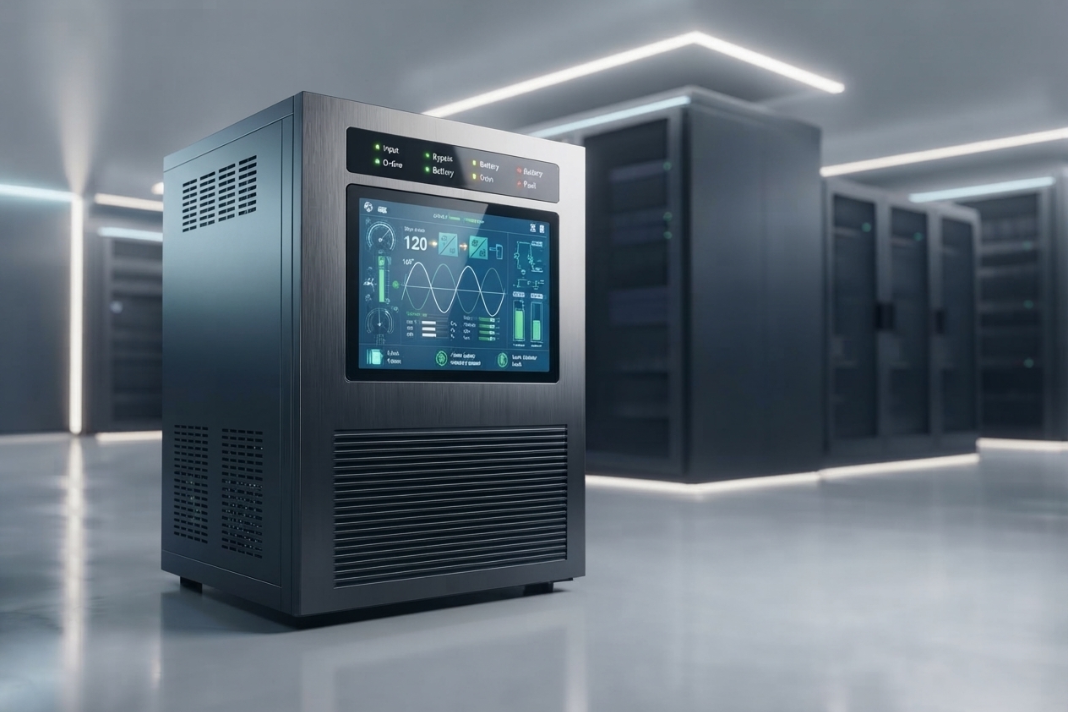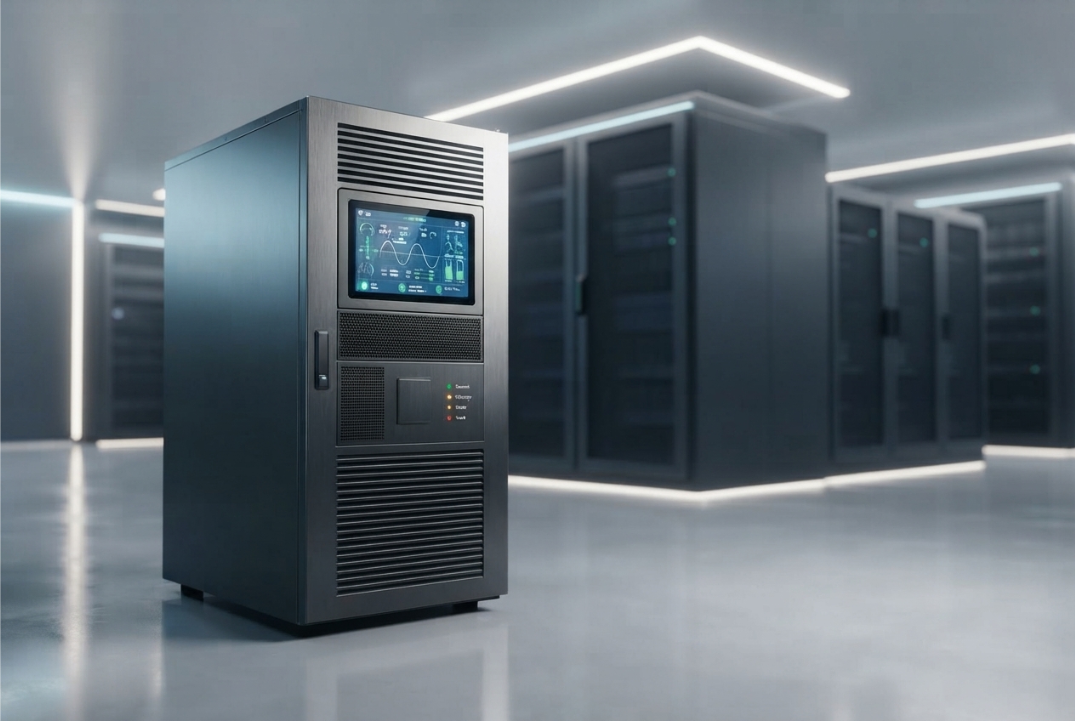
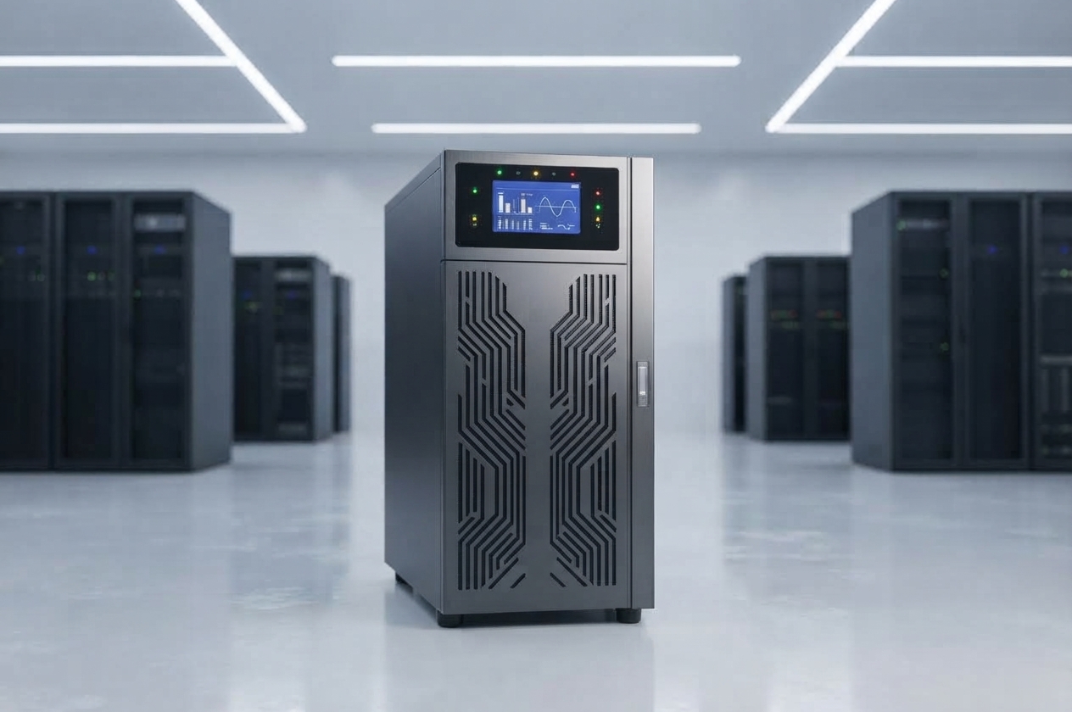
Buying a 3 Phase Online UPS is not simply a matter of choosing the highest capacity available.
For businesses operating data centers, IT infrastructure, manufacturing systems, communication equipment, or other critical electrical loads, the UPS becomes an important part of the overall power-protection architecture.
The wrong selection can create several problems. A UPS with insufficient capacity may struggle to support the connected load, while excessive capacity can increase the initial investment without providing a practical benefit. Similarly, choosing a system without considering battery autonomy, bypass functionality, scalability, installation requirements, or service support can create difficulties later.
That is why the buying decision should begin with the application rather than the product brochure.
In this guide, we cover 9 key factors to check before buying a 3 Phase Online UPS, so you can evaluate a system based on its actual electrical and operational requirements.
Bansal Hi-Tech offers a range of three-phase online UPS solutions for different critical-power applications.
Why Choosing the Right 3 Phase Online UPS Matters
A UPS may operate continuously for years, which makes the purchasing decision a long-term infrastructure decision rather than a simple equipment purchase.
The right system should be capable of handling the present load while also fitting the facility’s electrical architecture and future requirements.
Before making a decision, evaluate:
- Critical load
- UPS capacity
- Battery autonomy
- Electrical compatibility
- Efficiency
- Bypass arrangement
- Scalability
- Monitoring and protection
- Maintenance and service support
These factors should be considered together.
A UPS that performs well in one category may not necessarily be the best choice for your particular application.
1. Check the Required UPS Capacity
The first question should be:
How much load does the UPS actually need to support?
Start by identifying the equipment that requires protected power.
This may include:
- Servers
- Storage systems
- Network equipment
- Communication systems
- Industrial control equipment
- Critical electronic systems
- Other essential loads
UPS capacity is commonly expressed in kVA, while load requirements are often expressed in kW.
The basic relationship is:
kVA = kW ÷ Power Factor
For example, if a critical load is 90 kW and the relevant power factor is 0.9:
90 ÷ 0.9 = 100 kVA
This is only a basic calculation. The final selection should also account for future growth, peak demand, operating margin, redundancy requirements, and the specific characteristics of the connected equipment.
Do not select a UPS purely because its kVA rating appears close to the current load.
2. Determine the Required Battery Autonomy
The second factor is backup duration.
Ask:
How long does the critical load need to remain operational when the normal power supply is unavailable?
The required duration depends on the application’s operating strategy.
For example, a facility may need enough battery autonomy to:
- Allow a controlled shutdown
- Bridge the time until a generator starts
- Maintain critical systems during a short interruption
- Support operations for a specified period
Battery autonomy depends on factors such as:
- Connected load
- Battery capacity
- Battery configuration
- Battery condition
- Operating temperature
- UPS efficiency
It is important to distinguish UPS power capacity from battery runtime.
A higher-capacity UPS does not automatically mean longer backup time.
The battery system must be specified according to the required autonomy.
3. Check Input and Output Compatibility
A three-phase UPS must be compatible with the electrical system in which it will operate.
Before purchasing, verify parameters such as:
- Input voltage
- Output voltage
- Frequency
- Phase configuration
- Neutral arrangement
- Earthing requirements
- Input and output connections
The UPS should be compatible with the upstream electrical supply and the downstream distribution system.
This becomes particularly important when replacing an existing UPS or integrating a new system into an established electrical infrastructure.
A mismatch in electrical specifications can create installation and operational complications.
Bansal Hi-Tech’s IT infrastructure solutions can be relevant where UPS deployment forms part of a wider infrastructure project.
4. Evaluate Efficiency at the Expected Load
Efficiency matters because a UPS can operate continuously for long periods.
A system that operates efficiently can reduce energy losses and associated heat generation.
However, do not evaluate efficiency using only the highest efficiency figure mentioned in a specification sheet.
Check performance at the load level where the UPS is actually expected to operate.
For example, a system may have a high maximum efficiency rating, but the more relevant question is:
How efficiently will it operate at the expected day-to-day load?
This can have a meaningful effect on long-term operating costs, particularly for continuously operating installations.
For larger critical environments, Bansal Hi-Tech provides data center solutions where power infrastructure is an important part of the overall system design.
5. Examine the Bypass Arrangement
Bypass functionality is another important consideration when purchasing a three-phase online UPS.
A bypass provides an alternative power path under specified operating conditions.
Depending on the UPS architecture, bypass functionality can be relevant during:
- Maintenance
- Servicing
- Certain overload conditions
- Specific UPS fault conditions
- Commissioning
A maintenance bypass can also facilitate servicing while maintaining an appropriate supply path to the connected load.
Before buying, understand:
- Whether bypass is included
- How automatic bypass operates
- Whether a maintenance bypass is required
- How transfer conditions are handled
- What happens during UPS faults or overloads
Do not assume that every UPS has the same bypass architecture.
Always verify the specific model’s technical documentation.
6. Consider Future Expansion and Scalability
Your current load is not necessarily your future load.
A facility may add:
- Servers
- Storage
- Networking equipment
- Production systems
- Communication equipment
- Additional electrical loads
If the UPS is selected with no consideration for future requirements, the system may reach its capacity sooner than expected.
At the same time, buying substantially more capacity than necessary can unnecessarily increase the initial investment.
The better approach is to estimate realistic growth and determine whether the UPS can accommodate that growth.
For applications where scalable capacity is important, Bansal Hi-Tech offers the Easy UPS 3 Phase Modular 50–250 kW.
7. Check Protection and Monitoring Features
A modern UPS should provide appropriate monitoring and protection for the intended application.
Depending on the model, available information and protection functions can include:
- Input voltage monitoring
- Output voltage monitoring
- Frequency monitoring
- Load level
- Battery status
- Alarm indications
- Fault monitoring
- Operating mode
- Overload protection
Monitoring is especially important in critical facilities because operators need visibility into the condition of the UPS and connected power system.
Before purchasing, check how the UPS communicates operating information and whether its monitoring capabilities are suitable for your facility.
8. Evaluate Installation and Environmental Requirements
A UPS is not installed in isolation.
The physical and electrical environment must be suitable for the equipment.
Before purchasing, check:
- Available floor space
- Equipment dimensions
- Weight
- Ventilation
- Ambient temperature
- Humidity
- Dust conditions
- Cable entry
- Battery placement
- Maintenance access
- Electrical protection requirements
Battery systems require particular attention to environmental and installation conditions.
The UPS room should also provide sufficient access for maintenance and equipment servicing.
Ignoring these requirements during purchasing can create installation problems even when the selected UPS has technically suitable electrical specifications.
9. Check Maintenance, Service and Lifecycle Support
The purchase price is only one part of the total cost of owning a UPS.
A three-phase online UPS may operate for many years, and maintenance is essential for maintaining reliability.
Before buying, ask about:
- Preventive maintenance
- Battery testing
- Service availability
- Spare parts
- Technical support
- Response time
- Warranty
- Battery replacement
- Equipment lifecycle support
Battery condition is particularly important because battery performance can decline with age and operating conditions.
A UPS can continue functioning under normal utility conditions while its available battery autonomy gradually decreases.
Therefore, service and maintenance should be considered before the purchase rather than after installation.
Bansal Hi-Tech provides client support for organizations managing technology and infrastructure requirements.
Additional Question: Do You Need Redundancy?
For highly critical applications, simply having one UPS may not provide the desired level of availability.
Depending on the application, organizations may evaluate redundancy configurations designed to maintain power availability if a UPS module or component becomes unavailable.
The appropriate architecture depends on:
- Criticality of the load
- Required availability
- UPS configuration
- Maintenance strategy
- Budget
- Future expansion
Redundancy should therefore be discussed during the design stage rather than added as an afterthought.
For larger installations, systems such as the KEOR HPE 60–500 kW Three Phase UPS can be evaluated according to the application’s capacity and infrastructure requirements.
What Specifications Should You Compare?
When comparing different three-phase online UPS systems, avoid looking at only the headline capacity.
Create a comparison based on the actual requirements.
| Specification | What to Check |
|---|---|
| UPS Capacity | kVA and kW rating |
| Input | Voltage, frequency and phase |
| Output | Voltage, frequency and phase |
| Power Factor | UPS output power characteristics |
| Battery | Technology and configuration |
| Autonomy | Required backup duration |
| Efficiency | Performance at expected load |
| Bypass | Automatic and maintenance bypass |
| Scalability | Future expansion capability |
| Monitoring | Local and remote monitoring |
| Protection | Overload, fault and related protection |
| Installation | Space, ventilation and connections |
| Service | Maintenance and technical support |
| Warranty | Coverage and duration |
This makes the purchasing process more objective.
Questions to Ask the UPS Supplier
Before finalizing your purchase, ask the supplier:
1. What UPS capacity is appropriate for my actual critical load?
The answer should be based on your load calculation rather than simply recommending the largest available model.
2. What battery autonomy will the proposed configuration provide?
Ask for the expected runtime under the actual load requirement.
3. What are the input and output electrical specifications?
Verify compatibility with the facility’s electrical infrastructure.
4. How does the bypass operate?
Understand both automatic and maintenance bypass arrangements where applicable.
5. Can the system accommodate future expansion?
This is especially important if the facility expects significant load growth.
6. What monitoring options are available?
Determine whether the UPS provides the information your operators and maintenance team need.
7. What maintenance is required?
Understand preventive maintenance requirements and battery testing procedures.
8. What support is available after installation?
Check service availability, spare parts, warranty, and response arrangements.
These questions can reveal important differences between seemingly similar UPS systems.
Common Mistakes to Avoid When Buying a 3 Phase Online UPS
Choosing Only by Price
The lowest purchase price does not necessarily represent the lowest total cost of ownership.
Consider efficiency, battery requirements, maintenance, service, and expected operating life.
Buying Based Only on kVA
Capacity is important, but it is only one part of UPS selection.
Battery autonomy, electrical compatibility, bypass, scalability, and service also matter.
Ignoring Future Load Growth
A UPS that is sufficient today may become inadequate as the facility expands.
Overlooking the Battery System
The battery is fundamental to backup operation.
Battery technology, autonomy, installation conditions, and maintenance should all be evaluated.
Ignoring Installation Requirements
A UPS may meet the electrical requirements but still be unsuitable if there is insufficient space, ventilation, or access for maintenance.
Failing to Check After-Sales Support
Critical power equipment requires ongoing maintenance and technical support.
Do not treat after-sales service as an optional consideration.
A Practical 3 Phase Online UPS Buying Checklist
Before signing the purchase order, confirm the following:
Load
- Critical load has been identified
- Current kW requirement has been calculated
- Required kVA has been determined
- Peak load has been evaluated
- Future growth has been considered
Battery
- Required autonomy is defined
- Battery configuration is appropriate
- Battery installation conditions are suitable
- Battery maintenance requirements are understood
Electrical
- Input voltage is compatible
- Output voltage is compatible
- Frequency is compatible
- Phase configuration is suitable
- Earthing requirements are understood
UPS Features
- Efficiency has been evaluated
- Bypass arrangement has been reviewed
- Monitoring capabilities are suitable
- Protection features meet the application
- Scalability has been considered
Lifecycle
- Installation requirements are confirmed
- Warranty has been reviewed
- Maintenance plan is available
- Service support is available
- Spare-parts availability is understood
Final Takeaway
Buying a 3 Phase Online UPS should be treated as a power-infrastructure decision, not simply an equipment purchase.
Before selecting a system, evaluate these 9 key factors:
- UPS capacity
- Battery autonomy
- Input and output compatibility
- Efficiency
- Bypass arrangement
- Scalability
- Protection and monitoring
- Installation environment
- Maintenance and lifecycle support
The right system is not necessarily the biggest or the least expensive.
It is the system that provides the required capacity, backup autonomy, electrical compatibility, operational flexibility, and support for the specific application.
For organizations comparing different configurations, Bansal Hi-Tech’s three-phase online UPS solutions can be evaluated according to the facility’s load and power-protection requirements.
A careful assessment before purchase can prevent much more expensive problems after installation.
Frequently Asked Questions
1. What should I check first before buying a 3 Phase Online UPS?
Start by calculating the critical load that actually requires UPS protection. Then determine the required kVA, battery autonomy, and future load growth.
2. How do I know what UPS capacity I need?
Determine the critical load in kW and convert it to the required kVA using the applicable power factor. Then consider peak demand, operating margin, future expansion, and the UPS manufacturer’s specifications.
3. How much battery backup should I choose?
The required autonomy depends on the application’s operating strategy. It may need to cover a controlled shutdown, bridge the time until a generator starts, or support the load for a specified duration.
4. Why is bypass important in a UPS?
Bypass provides an alternative power path under specified conditions, including certain maintenance, overload, or fault situations depending on the UPS design.
5. Should I buy a larger UPS for future expansion?
Some capacity for realistic future growth can be useful. However, excessive oversizing can increase costs without providing a corresponding benefit.
6. Does UPS efficiency matter?
Yes. Since a UPS can operate continuously, efficiency can influence energy consumption and heat generation over its operating life.
7. What should I check about the battery?
Check battery technology, configuration, required autonomy, environmental conditions, maintenance requirements, and expected lifecycle.
8. Is monitoring important?
Yes. Monitoring can provide information about load, battery condition, electrical parameters, alarms, and faults, depending on the UPS model.
9. Why should after-sales service be considered before buying?
UPS reliability depends not only on the initial installation but also on maintenance, battery testing, servicing, spare parts, and technical support throughout the equipment’s operating life.